Trust Wallet: The Self-Custody Crypto & Bitcoin Wallet Guide
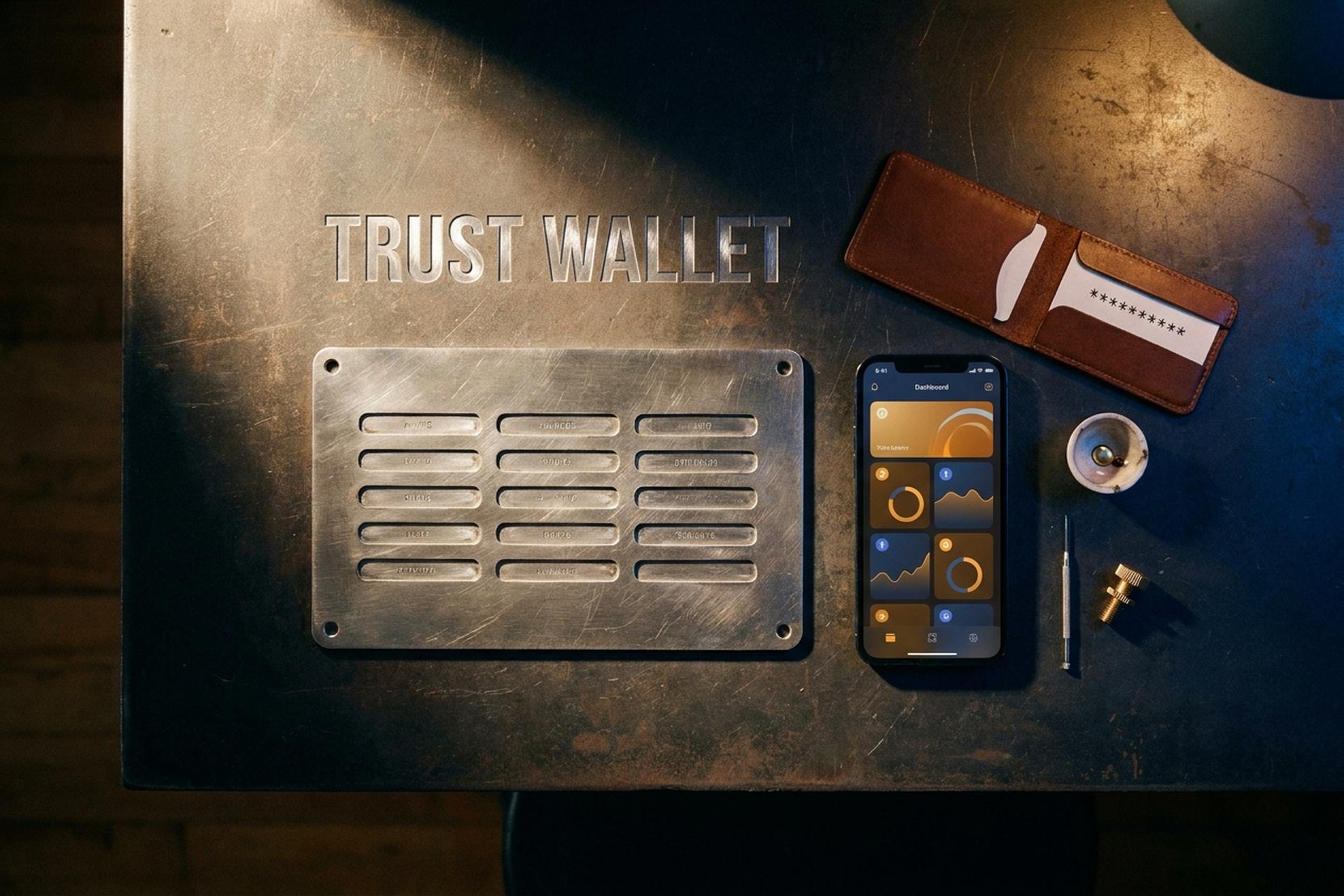
Two hundred and twenty million people are running Trust Wallet according to the company's December 2025 year-end report, which would make it the largest non-custodial crypto wallet ever shipped. The same product also lived through a 2023 incident in which its newly launched browser extension generated private keys with a flawed random-number generator, putting roughly $258,000 of user funds at risk in a 10-day window. Both facts are true. Both belong in any honest review.
This piece explains what Trust Wallet is, who owns it, and how a web3 wallet differs from a centralised exchange. It walks through setup and daily use with the small mistakes that have cost real people money. And it lays out the security reality of self-custody on a phone, including the 2023 CVE and the 2026 threat model. If you came here to decide whether to download, the answer is "yes, with conditions."
What is Trust Wallet? Self-custody crypto wallet basics
Trust Wallet is a self-custody multi-chain cryptocurrency wallet. Self-custody means the private keys that control your digital assets live on your device, encrypted locally, never on a company server. You sign every transaction with a key only you hold. If the company disappeared tomorrow, your funds would still be reachable using the same 12-word seed phrase in any compatible wallet, because the standard (BIP-39) is open.
The product was founded in 2017 by Viktor Radchenko as a mobile-first Ethereum wallet. Binance acquired it in July 2018; financial terms were never disclosed, despite years of speculation, and any "purchase price" you see quoted elsewhere is invented. Radchenko stepped down as CEO in March 2022 and Eowyn Chen has led the company since. The corporate entity sits under Binance's broader structure.
Today, the official site claims support for 110+ blockchains and 32+ million digital assets, with iOS, Android, and a Chrome browser extension first launched on November 14, 2022. The mobile app's iOS rating is 4.7 across roughly 197,000 reviews; the browser extension has over a million users and a noticeably weaker 3.2-star rating. The wallet's Core library, which powers transaction signing across chains, lives on GitHub at trustwallet/wallet-core and is open source. UI layers, integrations, and parts of the extension are not.
There is also a native token, TWT (Trust Wallet Token), a BEP-20 asset on BNB Chain. Around 430 million TWT circulate out of an original supply of roughly 1 billion (about 89 billion of the original 100 billion total were burned during the 2020 BNB Chain migration). TWT trades around $0.47 with a market cap near $203 million as of late 2025. The token is optional. You can run the app for years without owning a single TWT, and most users do.
Trust Wallet at a glance: crypto wallet specs
A quick reference for anyone scanning. Sources are the most recent primary disclosures available as of late 2025.
| Spec | Value | Source |
|---|---|---|
| Founded | 2017 by Viktor Radchenko | Trust Wallet blog |
| Acquired | July 2018 by Binance (terms not disclosed) | Binance announcement |
| CEO | Eowyn Chen (since 2022) | Trust Wallet |
| Self-custody | Yes (12-word seed, BIP-39) | Trust Wallet docs |
| Supported chains | 110+ blockchains | Trust Wallet, Dec 2025 |
| Supported assets | 32M+ tokens | Trust Wallet, Dec 2025 |
| Users (official) | 220M+ | Trust Wallet year-end 2025 |
| iOS rating | 4.7 / 5 across 197K reviews | App Store |
| Chrome extension | 1M+ users, 3.2 / 5 rating | Chrome Web Store |
| Wallet fees | $0 | Trust Wallet |
| Built-in swap | Aggregator-routed | Trust Wallet docs |
| Open source | Trust Wallet Core (partial) | github.com/trustwallet/wallet-core |
| Native token | TWT (BEP-20 on BNB Chain) | CoinMarketCap |
How to set up Trust Wallet for web3 crypto self-custody
The setup is fast. The mistakes around it are slow and expensive. Each step below has the failure mode it prevents.
Install. Use the iOS App Store or Google Play, and verify the developer is "DApps Platform Software Services Ltd." Fake clones have stolen funds from people who tapped the wrong listing. The official app's download counter is the strongest sanity check.
Create a wallet and write the seed phrase. The app shows 12 words. The most common loss vector for new self-custody users isn't a hack, it's writing the phrase wrong or storing it on iCloud or Google Drive as a screenshot. Two paper copies in different rooms is the cheapest reliable backup; a metal seed plate is better for meaningful balances. Never type the phrase into a website, a Discord DM, or a fake "support" chat. Nobody from official support will ever ask for it.
Make the first deposit a small test. Send $1 to $5 worth of crypto first. Network selection on the receive screen matters more than people realise. Sending USDT on Tron to a USDT address generated for Ethereum loses the funds, because the receiving address exists only on the chain you selected.
Swap. The app's built-in swap routes through aggregators that compare DEX prices and pick a route. The effective cost (spread plus aggregator fee) typically runs near 1% for liquid pairs. For trades above a few thousand dollars, check the rate on Cowswap or 1inch directly first.
Stake. BNB and Cosmos staking work natively inside the app; Ethereum staking routes through partners like Lido or Stader, so read the partner terms before staking sizeable ETH. Solana staking is delegated to a validator of your choosing.
Use dApps. On Android, the app ships an in-app dApp browser that connects to thousands of Web3 dapps and web3 games. iOS users scan a WalletConnect QR from a laptop to approve connections on the phone; the same flow works for the browser extension.
Import existing wallets. Migrating from MetaMask, Coinbase Wallet, or Phantom is a paste of the seed phrase; to import your wallet, the app derives the same addresses across supported chains. You can also add custom tokens by contract address if a token isn't yet listed.
I have watched two friends lose funds at the network-mismatch step. Slow down for the first real send.

Features in 2025–2026: swaps, staking, NFTs, dApps, and the extension
Broad, not deep. Every tool here is useful. None of them beats a specialist app head-to-head. That trade-off is the whole pitch.
Swap is fine up to a few thousand dollars. Push higher than that and the spread starts to bite. Direct visits to Cowswap, 1inch, or Matcha will typically save 30 to 60 basis points on trades over $5,000. Aggregator pricing on stablecoins like USDT and USDC stays tight enough to ignore. The built-in browser also lets you connect to DeFi protocols directly without a separate window.
Staking lives inside the app for BNB (around 3% net), Cosmos ATOM (mid-teens depending on validator), and Solana (5% to 7%). Ethereum staking routes to liquid-staking partners, so you sign their smart contracts instead of touching native validators. You still keep self-custody of the resulting tokens.
NFTs get cross-chain viewing. The app shows your collection across Ethereum, Solana, Polygon, BNB Chain, and others in one screen, with no built-in marketplace. To list or buy, you tap through to OpenSea, Magic Eden, or Blur via the dapp browser.
Fiat on-ramps run through Coinbase Pay and Binance Pay, plus MoonPay and Mercuryo, both of which take a debit card. KYC happens at the on-ramp, not at the wallet, so it stays KYC-free. Deposit crypto from an exchange and you skip the on-ramp altogether.
The Chrome extension shipped on November 14, 2022, covering EVM chains plus native Bitcoin and Solana — MetaMask still does not match that by default. Its 3.2-star rating? Early stability complaints, not a structural security flaw. A separate product line, SWIFT, launched February 19, 2024 with passkey-based account abstraction aimed at first-time users.
Trust Wallet security: the 2023 incident and the real threat model
Skipped in most official reviews. A self-custody wallet has one real job: keep your private keys away from attackers. How well it does that is determined by engineering practice, not marketing copy. The product lived through one large public incident, and what the incident teaches shapes the rest of the threat model.
Here is the short version of the 2023 disaster. Security researchers disclosed in March 2023 that the WebAssembly module generating mnemonics in the browser extension was seeded with only 32 bits of entropy via the Mersenne Twister (MT19937) algorithm. In plain English: instead of trillions of trillions of possible seed phrases, the extension was picking from roughly 4 billion. Brute-forceable. The flaw was logged as CVE-2023-31290 (CVSS 5.9, medium). Affected: browser-extension wallets created between November 14 and November 23, 2022. Not affected: mobile wallets, and any wallet that existed before that window. According to the company's community update, around $170,000 was confirmed stolen and roughly $88,000 stayed at risk in vulnerable wallets that nobody had migrated yet. The team reimbursed verified victims. You will see secondary outlets quote $880,000 or more. Those numbers do not match the company's own disclosure and should be treated as inflated. (A separate but related project, MilkSad, found the same MT19937 class of flaw in different software. Same family. Different incident.)
The lesson is harder than the headline. Even a self-custody wallet trusts its own code to generate randomness correctly, and if the code is wrong, your seed is guessable from the moment you create it. Audits help, sure. The company now lists more of them: CertiK (twice in 2023), Kudelski Security in September 2023, Salus in April 2024, and Quantstamp plus Halborn in 2025. None of that retroactively protects the people who created wallets during the bad 10 days, but the audit cadence has clearly improved.
Now, what does the 2026 threat model actually look like for an ordinary user? Five real attack surfaces. Phishing is the first and largest. Fake support accounts on Discord, Telegram, and X ask for seed phrases under the guise of "resolving" some issue. The seed phrase is never something support needs. Treat any such message as hostile by default. The second is malicious dApp approvals: signing a "Permit" or a "setApprovalForAll" transaction on a scam contract grants the contract drain access to your tokens. Built-in scanning catches known patterns. It does not catch novel ones. Read what you sign. Third, clipboard malware on the device silently swaps destination addresses on copy/paste, so verify the first and last six characters of any long address before tapping confirm. Fourth, that convenient iCloud or Google Drive encrypted seed backup adds a cloud-provider attack surface, which means the backup password absolutely must be strong; using "password123" undoes the encryption. Fifth, rooting or jailbreaking the device removes the app sandbox, and meaningful balances do not belong on a compromised phone. Period.
The cleanest rule I have found for self-custody mobile wallets is unromantic. Keep on the phone only what you can afford to lose to a phishing slip or a stolen device. Anything more goes to a hardware wallet. The browser extension supports hardware-wallet connection, so you can use a Ledger as the signer and Trust Wallet's UI as the dashboard. That middle path keeps the multi-chain convenience and moves the keys offline.
Pros, cons, and who Trust Wallet is for
Who is this product really for? Honest answer: it trades convenience for the compromises that any software wallet under a corporate parent carries. Breadth and a zero price tag, yes. The hardness of an offline device, no. Privacy and security sit in user hands. Since 2023 the company's security practices got better. You still carry the actual burden.
| Pros | Cons |
|---|---|
| 110+ chains in one app | Mobile-first; desktop and extension UX still maturing |
| 220M+ users — fewest "is this the real app?" worries | Owned by Binance (centralisation and regulatory tail risk) |
| No wallet fees, no KYC | Aggregator-routed swaps cost ~1% spread |
| Open-source Core library on GitHub | UI and integrations partially closed-source |
| Strong mobile UX | iOS dropped the in-app dApp browser |
| Encrypted cloud backup option | Cloud backup adds a separate attack surface |
| Native Bitcoin + Solana in extension | 2023 CVE damages historical trust |
So who fits? Mobile-first beginner or intermediate, holding crypto across several chains, picking convenience over a hardware brick. Day-to-day spending money belongs here. NFT collecting, modest DeFi positions, stablecoins like USDT for moving money across borders — all of that feels fine on a phone.
Who does not fit? Anyone running six figures on one device. Anyone steering clear of Binance for regulatory or principled reasons. Anyone who needs an audit trail baked into the wallet itself (the app does not keep one, so you have to export transactions yourself).
Bigger balance and the same profile? Do not pick one. Pair it with a hardware wallet.

Trust Wallet vs MetaMask, Coinbase Wallet and hardware
MetaMask is still the default browser wallet for EVM chains, around 30 million monthly users, and it has no native Bitcoin or Solana. Its mobile UX is also weaker. Coinbase Wallet uses the same self-custody pattern but ties hard into the Coinbase exchange and covers fewer chains. Phantom is Solana-native, roughly 7M MAU, expanding into ETH and BTC. Ledger and Trezor are a different category entirely — keys offline, paired with a software wallet for daily ops. The honest pick by use case: this app for mobile multi-chain, MetaMask for desktop EVM dapps, Phantom for Solana-first, hardware for anything serious.
The honest verdict on Trust Wallet
Trust Wallet does what it claims. Self-custody across more chains than any rival, free, with improved audits after the embarrassing 2023 incident. Not the right tool for the bulk of a portfolio on one phone. The decision is not Trust Wallet versus everything else; it is what you want to do, on which device, with how much money.
Evaluating it for the first time? Install on a phone that is not your primary work device, deposit crypto in small test amounts, write the seed on paper twice. Above casual-cash levels, move it to a secure multi-chain self-custody wallet on hardware, paired with the app as the daily driver.