Proxy Browser Explained: Unblock Sites and Browse Anonymously
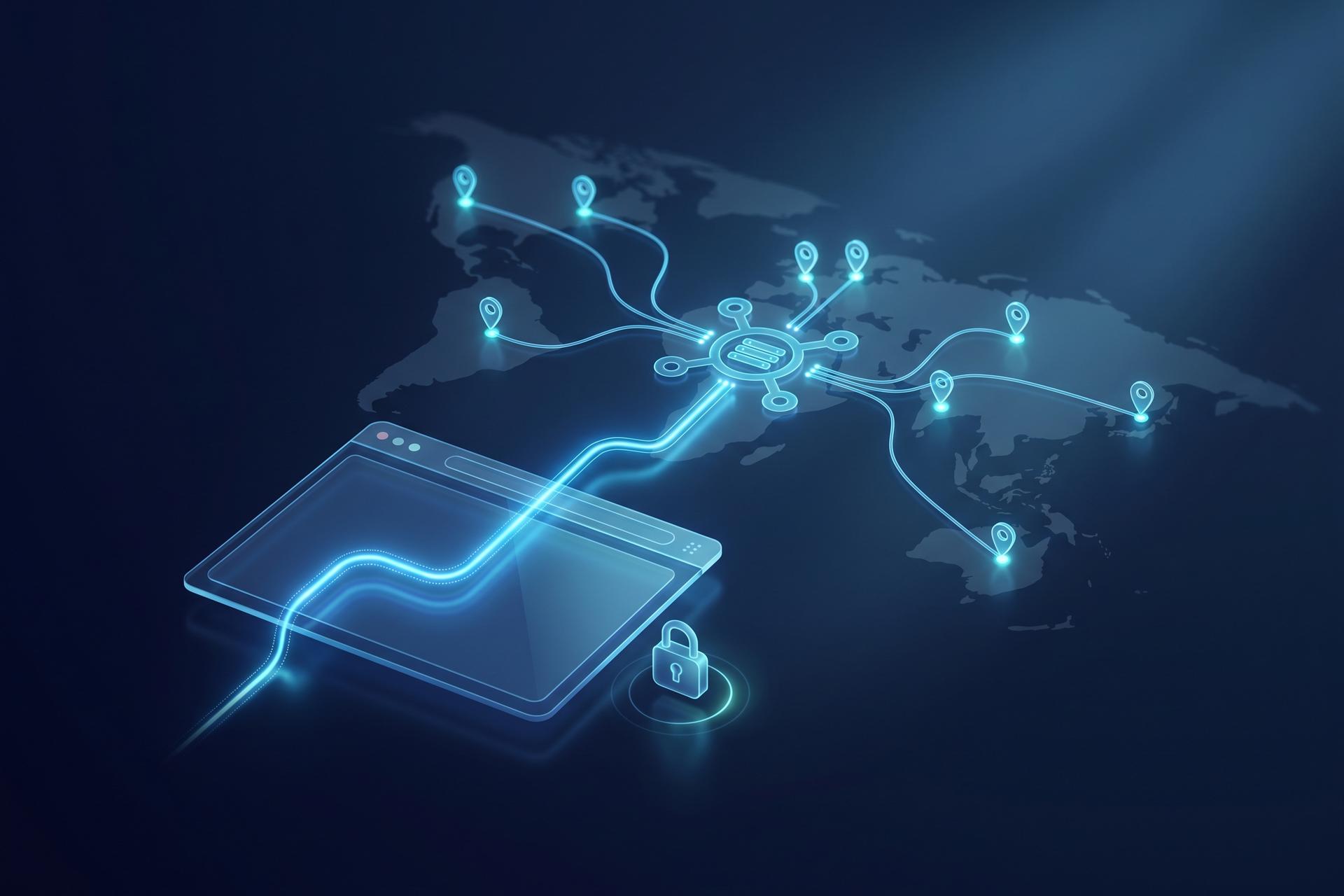
"This content isn't available in your region." If you have hit that wall, a proxy browser is the usual way past it. The idea is simple: it swaps the IP address a website sees for another one, so the page thinks you are somewhere you are not. The same swap that unblocks a video also makes everyday browsing a little more private, a light form of anonymous browsing, which is why proxies turn up everywhere, from streaming to market research to crypto.
What follows is the practical picture: what a proxy browser is, how it differs from a VPN, the types of proxies and roughly what they cost, how to set one up, and why crypto users lean on them so much. It is a handy tool, but it has hard limits, and both deserve to be said plainly.
What Is a Proxy Browser and How It Works
Strip away the jargon and a proxy browser is a browser pointed at a middleman. That middleman, the proxy server, takes your request, fetches the page for you, and passes it back. The website writes down the proxy's IP, not yours. One small detour, and the rest follows from it.
Picture a mail forwarding service. Your post lands at their office, goes back out under their address, and the person at the other end never learns your street. A proxy server does the same for web traffic.
The label "browser-based proxy" stretches across a few setups: a web proxy site you paste a link into, an add-on that toggles a proxy for one browser, or proxy details keyed into the network settings. Same outcome each time, since only that browser gets routed through the proxy and your real IP stays tucked away. You will also pick between rotating and sticky. Rotating hands you a new IP at intervals; sticky keeps one address for the session, which you want the moment you log in somewhere.
And here is what trips people up. Swapping your IP is not the same as hiding your traffic. A bare proxy does no encryption of its own. The HTTPS lock still wraps the page in SSL, so your password is not exposed, but the proxy operator can usually watch which sites you open. Miss that line and you will lean on a proxy browser for protection it was never meant to give.
Proxy Browser vs VPN: What Is the Difference?
Here is the split that matters: scope. A proxy handles one browser. A VPN handles the whole machine. Both change the IP a site sees, but a proxy does it for a sliver of your traffic and a VPN does it for all of it.
What does that buy you? A VPN wraps every connection in encryption and sends it through one exit, so you are safer but stuck with a fixed IP and a touch less speed. A proxy is the opposite trade: fast, happy to cycle through hundreds of IPs, and blind to anything outside the browser you set it on. Then there is the heavyweight. An antidetect browser fakes your fingerprint on top of the IP swap and gives each profile its own proxy, which is the only thing that holds up when you are juggling dozens of accounts.
| Tool | Scope | Encryption | IP rotation | Fingerprint control | Typical use |
|---|---|---|---|---|---|
| Proxy browser | One browser/app | Usually none | Easy, many IPs | No | Unblocking, light privacy |
| VPN | Whole device | Full, OS-level | Limited | No | Everyday security and privacy |
| Antidetect browser | Per profile | Via assigned proxy | Per profile | Yes | Multi-account work |
The practical takeaway: use a VPN when you want device-wide encryption, a proxy browser when you want speed and a quick location change, and an antidetect browser when you need many separate, unlinkable identities. Serious operators often stack them rather than pick one.
Types of Proxies: Free Web Proxy to Residential
Not all web proxies are equal. The IP a proxy gives you decides whether a website welcomes you or blocks you on sight, and price tracks quality closely.
Free web proxy and online proxy sites
A free web proxy is the easiest entry point. You open an online proxy site, type the address you want, and the page loads through the provider's server with no install required. It is handy for a quick unblock of a webpage, but the trade-offs are real: speeds are slow, sessions break, many sites detect and refuse these shared IPs, and the operator may log what you do. For anything sensitive, a free proxy site is the wrong choice.
Datacenter, residential, ISP, and mobile
Paid proxies split into a few families. Datacenter proxies come from servers in data centers; they are cheap and fast but easy to flag. Residential proxies use IP addresses from real home internet connections, so they look like ordinary users and rarely get blocked. ISP (static residential) proxies sit in between, pairing real-ISP credibility with datacenter speed and a stable address. Mobile proxies route through cellular networks and are the hardest to detect.
| Proxy type | Typical price | Success on protected sites | Detection risk | Best for |
|---|---|---|---|---|
| Datacenter | $0.50-$2 / GB | 40-60% | High | Speed, unprotected sites |
| Residential | $2-$15 / GB | 95-99% | Very low | Accounts, exchanges |
| ISP (static) | $2-$8 / IP / mo | 85-95% | Low | Long logged-in sessions |
| Mobile | $4.50-$10+ / GB | Highest | Very low | Strict anti-bot targets |
The gap is stark. Datacenter proxies succeed on protected targets only 40 to 60 percent of the time, while residential proxies land 95 to 99 percent, which is exactly why they cost several times more. Demand is steady, too: the residential proxy market alone was worth about $122 million in 2025 and is projected to reach $148 million by 2030.
How to Use a Web Proxy in Your Browser
There are three ways to do this, from no effort to full control.
Easiest is a web proxy site: open it, paste your link, and the page loads inside it, nothing to install. A step up is a browser extension, which flips a proxy on or off for that browser and lets you change country from a drop-down. Extensions are popular because they live in the toolbar and remember a handful of servers, so switching your apparent location is one click, though they only ever cover the browser they sit in. The most hands-on option is typing the proxy's host, port, and login straight into your browser or system network settings.
Set proxies by hand and you will bump into two protocols. HTTP proxies handle web traffic and read the request headers. SOCKS5 proxies just pass packets along without looking inside, which is why crypto tools and automation default to them. Prefer to skip all of it? A few browsers bake a proxy in. Opera, for one, ships a free built-in VPN with AES-256 and a no-log claim that Deloitte has audited, about the gentlest way there is to bypass a regional block.
Proxy Browsers for Crypto Privacy and Access
Crypto is one of the heaviest users of proxy browser technology, for reasons that go well beyond unblocking a website.
Reaching geo-restricted exchanges
Many exchanges restrict whole regions for regulatory reasons, and users in those regions often turn to a proxy browser to reach the platform and the restricted content behind it. This is where caution is essential. Accessing a service like Binance.com from a blocked country through a proxy almost always violates the platform's terms, and a flagged account can be frozen, leaving a slow KYC dispute to recover funds. A proxy can change what a site sees; it cannot change the rules you agreed to.
Multiple accounts and airdrops
Most major exchanges allow one personal account per user and watch IP addresses to spot linked accounts, so people who want several turn to rotating residential proxies to keep them apart. The giveaway is usually a shared address: two accounts logging in from the same IP, or from a known datacenter range, get flagged together, which is why the proxy has to look like an ordinary home connection. The same logic drives airdrop farming, where many wallet-and-browser identities are created to qualify for a token distribution more than once. The arms race here is intense. LayerZero's 2024 ZRO airdrop became the largest filtering exercise of its kind: the project removed 803,093 addresses it judged to be Sybil from roughly six million wallets, and only about 1.28 million ended up qualifying.
There is a quieter privacy use as well. On-chain activity is public, but the IP behind a transaction usually is not, and many users would rather a node operator or a block explorer not tie their wallet to a home address. Routing a wallet's web interface through a proxy adds a thin layer of separation between the person and the chain. It is a modest protection, not anonymity, but for everyday privacy it is better than nothing.
That example also exposes the limit of proxies. A proxy hides your IP, but it does not touch your browser fingerprint, so an exchange can still link accounts through canvas, fonts, and other device signals. IP rotation alone is not enough, which is the bridge to the next section.
| Provider | Type | Key data point |
|---|---|---|
| Bright Data | Proxy network | ~$300M annual revenue, 50% YoY (2025) |
| Oxylabs | Proxy provider | Residential from $8/GB; datacenter from $1.20/IP |
| Decodo | Proxy provider | Residential from $5.50/GB |
| Opera | Browser with built-in proxy/VPN | Free, AES-256, no-log claim |
None of this is an endorsement of breaking platform rules. Multi-accounting violates most exchange terms, and whether any of it is legal depends entirely on where you are and what you do. The tool is neutral; the responsibility is not.
Proxy Browser vs Antidetect Browser for Multi-Accounts
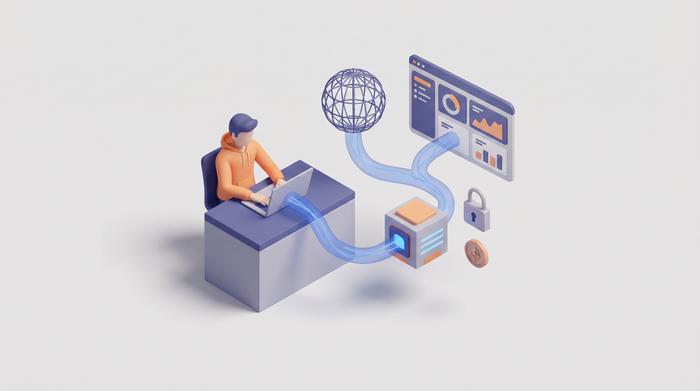
This is the distinction crypto users most often get wrong. A proxy browser gives you a new IP. An antidetect browser, such as Dolphin Anty, Multilogin, or AdsPower, gives you a new IP and a spoofed fingerprint inside an isolated profile, so each account looks like a genuinely different device.
Why does the fingerprint matter? Because websites read far more than your IP. The EFF's Cover Your Tracks tool shows how attributes like screen resolution, installed fonts, and canvas output combine into an identifier that survives an IP change. A plain proxy leaves all of that intact. For unblocking a site or lightly masking your location, a proxy browser is plenty. For running many accounts that must never be linked, the fingerprint is the part that gives you away, and only an antidetect setup addresses it. Match the tool to the threat, not to the marketing.
Free Web Proxy Risks and How to Protect Your Privacy
A free web proxy is rarely actually free. Somebody pays for those servers, and when you do not, plenty of free and public proxies make their money off your traffic instead. The usual hazards, as providers like Oxylabs document, run from no encryption and quiet logging of your activity and browsing history to injected ads and, at the bad end, malware or stolen session cookies that simply hand someone your logged-in account.
Open proxies on public Wi-Fi carry the same problem, because you have no idea who runs the exit point. So play it safe. Treat a free proxy browser as a throwaway for low-stakes browsing and nothing more. Stick to HTTPS so your data stays encrypted on the way, pay a reputable provider when it actually matters, and never sign into an exchange, a wallet dashboard, or your email through some random free proxy. A secure proxy from a known company costs money for a reason, and the reason is your privacy and security.
The Bottom Line on Proxy Browsers
So where does that leave you? A proxy browser is the quick, cheap way to move the location a site sees and add a thin layer of privacy. Brilliant for unblocking, decent for casual cover, weaker than a VPN on encryption and weaker than an antidetect browser on identity. Crypto users get real value from it on privacy and access, as long as they remember what it cannot hide and which platform rules they are bumping against. Choose the proxy type that fits the job, keep inside the rules, and the surprises stay pleasant.