
What Is Paze? The Bank-Backed Digital Wallet Explained

You've probably seen a "Pay with Paze" button at checkout and had no idea what it was. That's not unusual. Paze is one of the newer digital wallet options on the US market, and understanding what is Paze — why it exists, who's behind it, and how it actually works — matters if you're a merchant evaluating checkout options or a shopper trying to figure out whether to use it. This guide covers the full picture.
What Is Paze and How Does It Work?
Paze is a bank-backed digital wallet built for online checkout. Early Warning Services (EWS) created it and launched in the US in late 2023. EWS is the same company that runs Zelle.
Unlike PayPal or Apple Pay, Paze isn't a product you actively sign up for. Participating banks automatically enroll your eligible credit and debit cards on your behalf, so the wallet exists whether you know it or not.
That's the key difference. Every other digital wallet asks you to download an app, create a login, and manually add your cards. Paze skips all of that. Your cards are already loaded, waiting for the moment you spot the Paze button at a participating merchant's checkout.
A few things to know upfront:
- Paze works for online purchases only, not in-store or contactless POS
- More than 150 million eligible credit and debit cards were pre-loaded across participating banks as of 2025
- Cards from multiple financial institutions can live in a single Paze wallet
- Seven of the largest US banks back the service, plus Citi joined in 2025
- Global digital wallet spend is on track to exceed $10 trillion in 2025
The Role of Early Warning Services
Early Warning Services is a bank-owned fintech consortium. The banks that own it built EWS specifically to control shared payment infrastructure, rather than handing that control to Apple, Google, or any Silicon Valley company. Zelle proved the model works for peer-to-peer transfers.
Paze is EWS's bet on ecommerce. The logic is simple: every time a shopper pays via PayPal or Apple Pay, the bank fades into the background. With Paze, the bank stays front and center, which strengthens the customer relationship and gives banks a fighting chance against Big Tech in the checkout space.
How Paze Works: A Step-by-Step Walkthrough
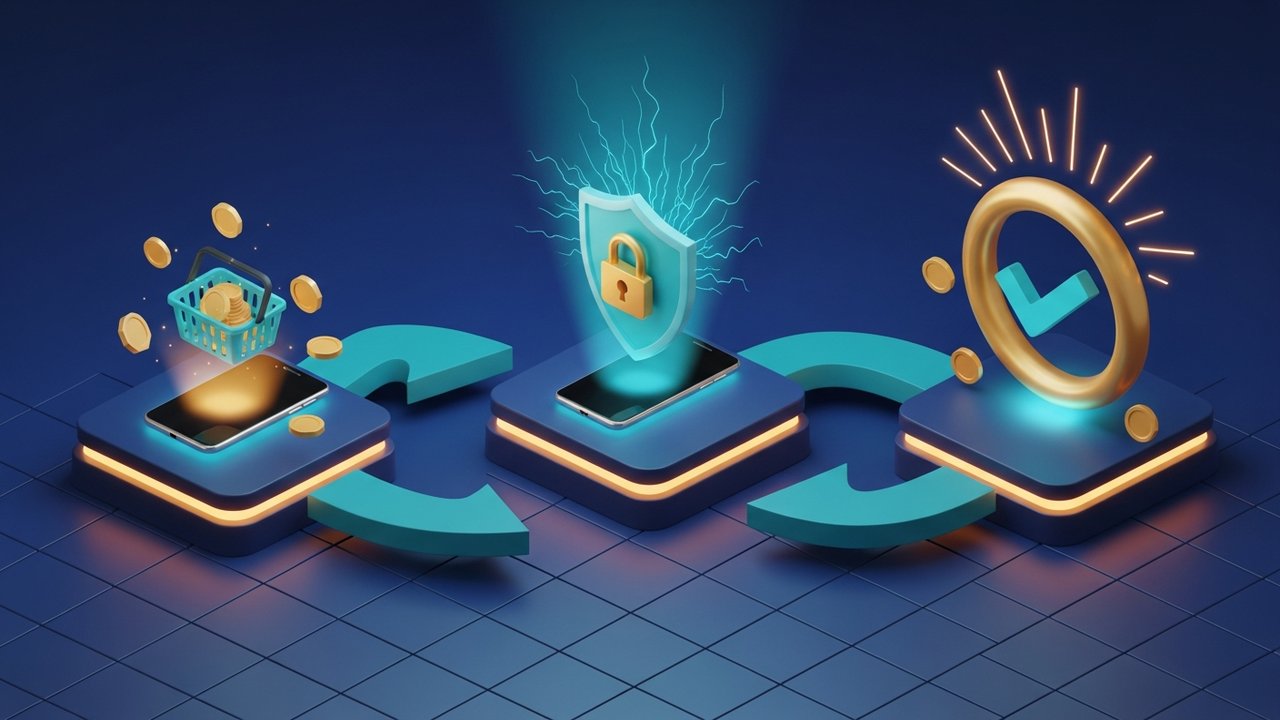
First-time setup takes roughly two minutes. After that, each checkout is faster than typing a card number manually.
- Find the Paze button. Look for the Paze logo at checkout on the merchant's site. No logo means the merchant hasn't enabled it yet through their processor.
- Enter your email. Use the address linked to your bank account. Paze uses this to identify you and surface your eligible cards.
- Verify via SMS. Paze texts a one-time passcode to your phone. Enter it.
- Type your CVV. The security code from the back of your card. This blocks unauthorized use even if someone else has your email.
- Pick your card. Choose from whichever eligible cards your participating banks have loaded.
- Confirm. The transaction goes through. Your actual card number never touches the merchant's systems.
If it's your first time, you'll need to activate Paze beforehand through your bank's app or website, or you can do it on the spot at checkout. After activation, steps 2 through 4 are the only friction you'll see each time.
Which Banks and Financial Institutions Offer Paze
Paze launched with seven major US banks and has added more since. Here's where things stand as of 2025:
| Bank | Card types supported | Status |
|---|---|---|
| Bank of America | Credit and debit | Active |
| Capital One | Credit and debit | Active |
| JPMorgan Chase | Credit and debit | Active |
| PNC Financial | Credit and debit | Active |
| Truist | Credit and debit | Active |
| U.S. Bank | Credit and debit | Active |
| Wells Fargo | Credit and debit | Active |
| Citi | Credit and debit | Added 2025 |
Early Warning Services also partnered with Payfinia, which brings Paze to community banks and credit unions. Those smaller financial institutions get access without building their own direct integration with EWS.
Between the eight major banks and the Payfinia network, Paze's claim of 150 million+ pre-loaded cards becomes credible. No consumer action required.
What Cards Can You Use with Paze
Not every card shows up in the wallet, and the rules come from your bank, not from Paze itself.
- Eligible credit and debit cards from participating banks are loaded automatically. You don't add them.
- Your bank decides what qualifies. Some card products — certain business cards, prepaid cards — may not make the cut.
- Multiple banks, one wallet. A Chase credit card and a Wells Fargo debit card can both appear in the same Paze wallet.
- Rewards still accrue on credit cards used through Paze, per your card's existing terms.
- Removing a card has to be done at the bank level, not inside Paze directly.
Worth noting: if you hold eligible cards from several banks, Paze effectively becomes a unified checkout layer across all of them. No juggling multiple apps or entering card numbers.
Where Can You Use Paze: Participating Merchants
Paze is strictly online. No tap-to-pay, no physical terminals. Every transaction runs through an ecommerce checkout page.
Early merchant adoption leaned toward food and dining. Domino's, Dunkin', and Wendy's were among the first brands to go live as participating merchants. Since then the catalog expanded into apparel, electronics, jewelry, entertainment, and beauty.
The bigger growth lever has been processor partnerships. Paze now has integrations with:
- Worldpay — one of the largest merchant acquirers globally
- Fiserv — serves hundreds of thousands of merchants across the US
- Nuvei — a Canadian processor with strong ecommerce footprint, joined in 2025
- ACI Worldwide — global payments software, added Paze to its network
Because those processors handle the integration, a merchant already using Worldpay or Fiserv can enable Paze with a configuration change rather than a full new API project. That significantly lowers the barrier.
The honest limitation hasn't gone away, though. PayPal has 82% consumer recognition. Apple Pay is widely trusted. Paze is still building its brand, and plenty of shoppers don't recognize the logo at checkout. Not seeing the Paze button at a given site often means the processor hasn't flipped the switch yet, not that the merchant opted out.
Is Paze Safe? Security and Tokenization Explained
Security is the strongest argument for Paze over typing a raw card number. The core mechanism is network tokenization, the same technology Apple Pay and Google Pay use, though most consumers don't know the term.
Here's what it actually means: instead of sending your real card number (the Primary Account Number, or PAN) to a merchant, Paze substitutes a token — a random string of digits that maps to your card only within your bank's secure systems and the card networks. The merchant gets the token. Your actual card number never arrives on their servers.
Every transaction also generates a single-use cryptogram, a one-time code tied mathematically to that specific purchase. If someone intercepted the data, the cryptogram is useless for any other transaction.
Practical consequences:
- A merchant data breach can't expose your actual card number because it was never there
- Stolen transaction data can't be replayed; the cryptogram only fires once
- Paze layers two-factor authentication on top: email identification, SMS passcode, plus CVV
Against raw card entry, Paze is materially safer. Against Apple Pay or Google Pay, the security model is roughly equivalent. The real difference is custody: Paze keeps your card data with your bank. The others keep it with a tech company.
Paze vs. Apple Pay, Google Pay, and PayPal
The comparison is easier with numbers in front of you:
| Feature | Paze | Apple Pay | Google Pay | PayPal |
|---|---|---|---|---|
| Backed by | Banks (EWS) | Apple | Independent | |
| In-store use | No | Yes | Yes | Limited |
| Online use | Yes | Yes | Yes | Yes |
| App required | No | Yes | Yes | Yes |
| Card enrollment | Auto (by bank) | Manual | Manual | Manual |
| Tokenization | Yes | Yes | Yes | Partial |
| US-only | Yes | No | No | No |
| Merchant coverage | Growing | Wide | Wide | Very wide |
| Consumer awareness | Low | High | Medium | Very high |
Automatic enrollment is where Paze actually has an edge. Apple Pay, Google Pay, and PayPal all make you add cards yourself. Your financial institution does that for Paze, so the wallet is ready to use before you ever look for it.
The downside is scope. Paze only runs in the US, and it won't work at a physical register. Apple Pay and Google Pay handle both in-store and online globally. For shoppers who mainly buy online and hold cards at a participating US bank, Paze is a legitimate convenience. It doesn't replace the others — it's a different lane.
How to Opt Out of Paze and Manage Your Wallet
Since Paze auto-enrolls cards, many people want to know how to turn it off. The process runs through your bank, not through Paze directly:
- Open your bank's app or website. Most participating banks have Paze settings under digital payments or card management.
- Remove specific cards. You can pull individual cards out of your Paze wallet without killing your entire access.
- Block Paze at specific merchants. Some banks let you restrict Paze to particular sites only.
- Full opt-out. Tell your bank to unenroll all cards. Your actual cards stay active and unaffected.
- Wallet management. At mywallet.paze.com you can reorder cards, set a default, and update saved shipping addresses.
- Switch your email. Update the address tied to your Paze identity through your bank's settings, not through Paze itself.
Opting out doesn't touch credit limits, rewards balances, or your banking relationship. It just removes your cards from the Paze checkout flow.

What Paze Means for Online Merchants
Paze's pitch to merchants is access. Over 150 million cards are already loaded and waiting in wallets that consumers didn't have to set up themselves. That removes one of the usual adoption hurdles.
The business case breaks down like this:
- Pre-loaded card base — customers at participating banks already have their eligible cards in Paze, no onboarding friction on their end
- Reduced cart abandonment — skipping manual card entry cuts one of the main drop-off points, particularly on mobile
- Processor-based integration — merchants on Worldpay, Fiserv, Nuvei, or ACI Worldwide can enable Paze through existing infrastructure, no new project required
- Lower fraud risk — tokenized transactions tend to see better authorization rates and fewer chargebacks
The counterargument is adoption pace. Consumer awareness of Paze is still low. Many shoppers walk past the Paze button without recognizing it, which limits the conversion lift for early adopters. Merchants enabling Paze now are mostly doing it to be positioned when the network effect kicks in.
For merchants who want to step outside card rails entirely — no card processors, no wallet ecosystems, no geographic limits on customers — crypto payment gateways run a parallel track. Plisio accepts Bitcoin, Ethereum, and other major cryptocurrencies with no card dependency, no chargebacks, and no restrictions on where buyers are located.
The Bottom Line on Paze Digital Wallet
Paze is the banking industry's answer to a problem banks didn't create but are definitely losing: Big Tech owns the checkout experience. The solution is automatic enrollment through existing card relationships, network tokenization for security, and distribution through the payment processors merchants already use.
What is Paze in practice? A secure, no-setup online checkout option for US cardholders at participating banks, and a growing merchant channel for businesses that want another way to reach those cardholders. The constraints are real — online only, US only, merchant coverage still catching up. But Paze's processor integrations with Worldpay, Fiserv, and Nuvei are pulling more merchants in steadily, and as consumer awareness builds, the wallet's value proposition gets stronger.
