Using Bing Image Creator: Microsoft Bing AI Image Generator
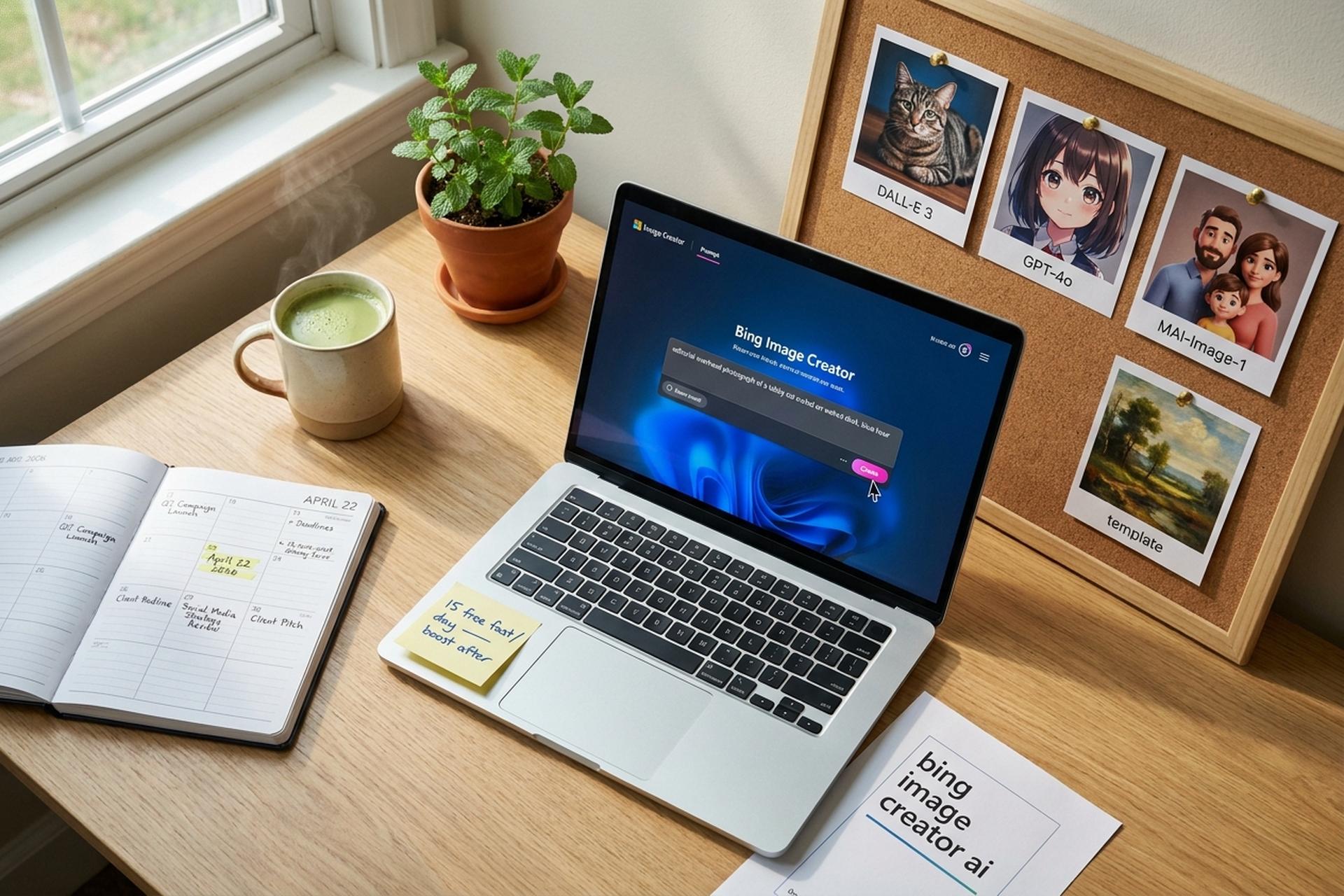
Type a sentence, wait fifteen seconds, walk away with a usable poster. That is the pitch every AI image tool makes in 2026, and Microsoft's Bing Image Creator is the most visible free version of it. Tucked inside Bing search, the Copilot app, and the Edge browser, the tool converts plain English into AI-generated images using a rotation of OpenAI's DALL-E 3 and GPT-4o, with Microsoft's own MAI-Image-1 now rolling out alongside them. The Salesforce 2025 State of Marketing report found 76% of marketers now use generative AI for content creation and 71% for creative inspiration, and free entry points like Bing Image Creator are how most of them started. For small businesses, marketers, and crypto teams that need visuals on deadline, it is often the first AI image generator they touch, and sometimes the only one they will ever need.
This guide walks through what Bing Image Creator actually does in 2026, the daily limits and the boost economy behind them, where its output shines, where it stumbles, and how it stacks up against Midjourney, DALL-E, Adobe Firefly, and Google ImageFX. There is also a grounded section on safety, copyright, and the crypto-specific risks of AI-generated imagery, which every Plisio reader should understand before they publish anything public-facing.
What Is Bing Image Creator? An AI Image Primer
Bing Image Creator is Microsoft's free, browser-native AI image generator. Open the Bing Image Creator website at bing.com/create. Sign in with an existing Microsoft account. Type a prompt. A grid of generated images lands on the page in about fifteen seconds. Three models run under the hood. MAI-Image-1, Microsoft's in-house model, handles photorealistic lighting and landscapes. DALL-E 3, built by OpenAI, covers most general creative prompts and returns multiple images per request. GPT-4o drives the image editing features and returns one edited output at a time. Microsoft confirmed the dual DALL-E 3 plus GPT-4o rollout on the Bing Search Blog on August 6, 2025.
Compared with Midjourney or Stable Diffusion, nothing gets installed. The interface sits inside the same page that returns a normal Bing search. Someone who has never heard the phrase "prompt engineering" can try it in a minute. Creating an image with Bing through Copilot search or Bing search is a single click from either surface. Microsoft keeps it free for personal use with a Microsoft account and deliberately locks out Microsoft Entra ID accounts, which means a work laptop tied to a company tenant cannot sign in. The service is also blocked in Russia and China.
One anchor to note before the tour gets technical. Every image that comes out of Bing Image Creator carries a C2PA content credential, the industry label for synthetic media, plus a visible watermark. Both matter whenever you publish anything commercial. They matter more when the image involves a person who never agreed to be generated.
How Bing Image Creator Works: AI Models Inside
The user experience hides quite a bit of plumbing. A single click on Create sends the prompt to Microsoft's ranker, which chooses between the three available models based on the task and the speed setting. Fast speed consumes a daily boost allowance; standard speed is unlimited but slower.
Step one: you type a prompt of up to several hundred characters. Microsoft quietly rewrites sparse prompts to improve quality, a behaviour users on the r/bing subreddit have been arguing about for two years. You can disable nothing about this rewrite, and the output image often reflects the rewritten version rather than the exact words you typed.
Step two: the system generates a candidate image grid. DALL-E 3 usually returns four variants, MAI-Image-1 returns several, and GPT-4o returns a single image. Resolution tops out around 1,792 by 1,024 pixels, which is enough for social media, blog headers, and presentation slides but falls short of print-ready. To scale up, many users open the Bing mobile app, where the same generation flow works on a phone with an active Microsoft login.
Step three: you can click into any variant, download it, or ask the tool to edit it in place. Editing is handled by GPT-4o exclusively. You can also use the aspect-ratio controls (1:1, 7:4, 4:7, 3:2, 2:3) to adjust framing before generation.
Step four: your prompts and generated images stay in your Image Creator profile and history for up to 90 days unless you clear them manually. If you upload a personal photo as reference, Microsoft retains it for 30 days when a face is detected and up to 18 months when no face is detected. You can delete your Bing Image Creator history from the Bing search-history settings at any time. Those retention windows are in Microsoft's own help documentation and should be read once before any team uses the tool on client material.
Bing Image Creator Features and AI Daily Limits
Under the hood is a generous free product by 2026 standards. On top is a boost economy that nudges heavier users toward Microsoft Rewards or Copilot Pro.
| Feature | Bing Image Creator, free tier |
|---|---|
| Daily fast creations | 15 |
| Standard-speed creations | Unlimited |
| Prompt ceiling | 200 prompts per 24 hours |
| Maximum resolution | 1,792 × 1,024 |
| Aspect ratios | 1:1, 7:4, 4:7, 3:2, 2:3 |
| Languages supported | 100+ |
| Image history retention | 90 days |
| Uploaded-photo retention | 30 days (with face) / 18 months (no face) |
| Watermarking | C2PA content credentials on every output |
| Works with work/school account | No, personal Microsoft Account only |
| Geographic restrictions | Blocked in Russia and China |
The 15 free fast image creations per day are the tool's real currency. Each one delivers results in roughly 15 seconds at Bing Image Creator's fastest speed. After they run out, you can either wait for the Image Creator's standard creation speed (often one to three minutes), earn more Microsoft Rewards points through everyday Bing search and redeem them for extra fast generations, or upgrade to Copilot Pro at USD 20 per month. Copilot Pro raises the daily boost allowance to roughly 100 fast creations and unlocks priority access and GPT-5-level chat features. The option to use Microsoft Rewards points is toggled on and off per account, and once enabled the system deducts points automatically until balance depletes.
Templates and starting prompts shorten the learning curve. The Image Creator surface ships with preset styles like Oil Painting, Anime, Comedy Cast, and 3D Family Character. They work as a decent warm-up for writers who freeze at a blank box, though heavy reliance on templates tends to produce images that look suspiciously like every other template user's output, which is fine internally and risky externally. Video generation lives in a separate Bing video creator surface inside the mobile app, with its own video creator profile and history, and it is worth knowing about even if this guide focuses on still images.
Prompt Engineering for the Bing Image Creator AI
Anyone who has shipped a batch of bad AI images learns rule one fast. Vague in, vague out. Bing Image Creator punishes that more than most rivals because the rewriter layer inside Bing Image Creator amplifies whatever direction you feed it.
A usable prompt fills five slots. Subject: who or what is in frame. Scene: where, when, what lighting. Style: photographic, illustrative, oil painting, editorial, minimalist. Composition: wide, close-up, overhead, eye-level. Finishing touch: film stock, lens focal length, art-director reference, or mood tag.
Try "a cat on a desk" and you get four forgettable cats on four forgettable desks. Try "editorial overhead photograph of a tabby cat curled on a dark walnut home-office desk at blue hour, soft fill from a nearby window, shot on 50mm f/1.8, Kodak Portra 400 grain" and you walk away with an image that could actually run on a product page.
The content filter is stricter than most first-time users expect. Real people, controversial topics, brand logos get blocked hard, usually behind a vague "We can't generate this" screen that never tells you which word tripped the wire. Experte.com ranked Bing seventh out of twelve tools in their 2025 comparison largely because of this filter aggression, despite the zero-subscription advantage. For a business this is almost always a feature, not a bug. It keeps trademark and likeness accidents off your desk.
Three habits tend to separate good prompts from bad ones, consistently.
Write in English even if your brand speaks something else. Microsoft supports more than 100 languages, but training data leans English. Extra context (time of day, material, lens) helps the AI understand what you actually want. Second: name a real photographer, cinematographer, or art director when you want a specific visual grammar. "Lit like a Roger Deakins night scene" works every time. "Moody" never does. Third: iterate with the edit button, don't regenerate from scratch. GPT-4o edits hold the composition steady and swap only the element you describe, which is usually faster than restarting.
Business Use Cases for Bing Image Creator AI
Free plus browser-native plus 15 fast creations a day is exactly the combination a small marketing team needs when the design budget cannot absorb another Midjourney seat or Adobe subscription. Adobe reported 29 billion cumulative Firefly generations as of April 2025, OpenAI said 130 million users made 700 million images in the first week of GPT-4o image generation in March 2025, and Microsoft Copilot pulled roughly 89 million visits in April 2025 alone. Image generation is already mainstream, and enjoying Bing image creation for free keeps a team's runway intact while competitors rack up subscription costs.
Social media comes first. Instagram, TikTok, and LinkedIn posts plus thumbnail variants are Bing Image Creator's sweet spot. It produces usable 1:1 and 7:4 content inside a minute, and the C2PA watermark satisfies most platform policies on AI disclosure. A common workflow is to generate four variants, pick the strongest, crop in Canva or Figma, and ship.
Blog and SEO visuals are the next natural fit. Article hero images, in-article illustrations, featured images for category pages. The 1,792 by 1,024 output is adequate for WordPress, Ghost, and most CMS thumbnail sizes after compression.
For newsletters, the same math applies. Headers, section dividers, and portrait placeholders come off the line quickly, and the flat 15-generations-per-day ceiling is not a bottleneck for a weekly newsletter operation that needs five images a week.
Product mockups and landing pages are another high-value lane. AI-generated hero images can stand in for expensive photo shoots while the real photos get commissioned. For early-stage crypto projects and small SaaS teams, this bridge buys months of runway.
Pitch decks and internal docs have quietly become the biggest single use case for most teams. The 3D Family Character and Oil Painting templates are especially popular with product managers who need a single evocative slide filler.
NFT previews and mint artwork is where the Plisio audience leans in. AI-generated art from Bing Image Creator has powered countless small NFT drops, though two cautions apply. The C2PA watermark will follow the image into wallets and marketplaces unless deliberately stripped (which breaks attribution and, increasingly, platform rules). US copyright protection for purely AI-generated works is still weak, as several 2023 to 2025 Copyright Office rulings clarified.
Ad creative testing rounds out the list. A/B variant generation for paid social campaigns works well: run a single campaign with six AI-made creatives and measure which ones click. It is a legitimate, low-cost optimisation loop. Small crypto exchanges and fintech startups have used image editing and fast creation rounds extensively in 2025 to test new audience hooks before committing to a commissioned creative.
Every one of those use cases shares the same underlying logic. The model is generous on quantity, free on price, and adequate on quality. When the brief demands the absolute best image possible, the answer is rarely Bing. When the brief demands an image this afternoon without a purchase order, Bing is often the first tool in the stack.
Bing vs Midjourney, DALL-E, and Firefly AI Tools
Bing Image Creator is not the best-looking AI image generator on the market, and Microsoft has never pretended otherwise. What it is: free, already loaded in a browser most people already use, and good enough for 80% of commercial jobs. That is a valuable slot. Here is where it actually lands against the 2026 field.
| Tool | Strength | Weakness | Pricing (Apr 2026) |
|---|---|---|---|
| Bing Image Creator | Free, browser-native, Microsoft login, multiple models | Strict filters, 15-generation daily cap, watermark mandatory | Free; Copilot Pro at USD 20/mo for higher limits |
| Midjourney v7 | Industry benchmark for aesthetic quality, stylistic depth | Discord-first workflow still clunky, no free tier | Basic USD 10/mo, Standard USD 30/mo |
| ChatGPT image (GPT-Image-1 / DALL-E 3) | Native inside ChatGPT Plus, best-in-class text rendering | Capped on free plans, stylistic range narrower than Midjourney | Plus USD 20/mo includes generous quota |
| Adobe Firefly | Commercial-safe training data, Photoshop integration | Needs Creative Cloud login, fewer stylistic options | Free tier limited; Creative Cloud from USD 23/mo |
| Google ImageFX / Gemini Image | Fast, integrated in Google Workspace, Imagen model quality | Filter aggression matches Bing, feature gaps on mobile | Free with Google account, Gemini Advanced USD 20/mo |
| Leonardo.Ai | Strong for game art and character design, fine-tune options | Free tier narrow, output leans stylised by default | Free with limits; paid from USD 12/mo |
| Stable Diffusion (self-hosted) | Full control, local, any style | Requires GPU, setup work, no safety layer | Free (software); compute costs ~USD 0.001 per image |
The shortest honest summary. Design matters more than cost? Midjourney. You live in Photoshop? Firefly, because Adobe trained it on licensed stock and indemnifies enterprise customers. Need an asset by lunch without a subscription? Bing Image Creator wins, and in 2026 the MAI-Image-1 and GPT-4o upgrades pushed its realistic-image ceiling meaningfully higher.
Most teams I talk to run two tools side by side. Bing for drafts, Midjourney or Firefly for whatever actually ships.
Safety, Watermarks, and AI Image Policy
Two questions sit underneath every AI image tool's safety story. What does it refuse to make? What happens to what it does make? Bing Image Creator's filter layer is tighter than most rivals, and the reason is 2024, specifically.
January that year, explicit deepfake imagery of Taylor Swift crossed 27 million views on X before X took it down. 404 Media reporters traced the stream back to a Telegram group exploiting Microsoft Designer, which at the time shared its core stack with Bing Image Creator. Six weeks after that, on March 6, 2024, a Microsoft principal engineer named Shane Jones sent letters to FTC Chair Lina Khan and the Microsoft board asking for Copilot Designer to be pulled until safeguards caught up. Microsoft closed the exploit, tightened defaults, rewrote its prompt-rewriting rules, made C2PA watermarks mandatory, and bolted a Report a Concern button into the image output UI. Every change is framed as being in accordance with our AI principles, the language Microsoft uses across its responsible AI materials.
Rule-breaking has its own workflow. One blocked prompt does nothing. Repeat offences suspend your account. Stack suspensions and the restriction becomes permanent on that Microsoft account, though you can appeal inside the product. The details live in the help docs, not the marketing site, and they are worth reading if your team ever touches edge-case briefs.
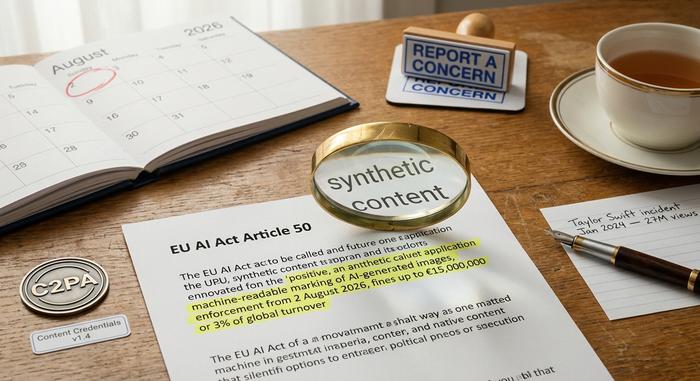
The regulatory picture keeps shifting. EU AI Act Article 50 kicks in August 2, 2026, forcing every AI image provider to mark outputs as machine-readable synthetic content. Fines run up to €15 million or 3% of global turnover. Bing's C2PA credentials already satisfy it. China's Measures for Labelling of AI-Generated Synthetic Content went live September 1, 2025, with both explicit and implicit labelling. Stateside, the Copyright Office's Part 2 Report from January 29, 2025 held the line that purely AI-generated work cannot be copyrighted. SCOTUS then denied cert in Thaler v. Perlmutter on March 2, 2026, letting the DC Circuit's human-authorship standard stand. California, Colorado, and Texas have passed narrower rules around political deepfakes, non-consensual content, and election-period synthetic media.
For a business, three lines cover it. Never pull the C2PA credential. Disclose AI involvement when the image replaces a real person or product. Treat purely AI output as copyright-weak in the US, because the 2023-2025 rulings all point the same direction, and the Office has given no signal that it plans to switch.
Crypto and Web3 Angles for AI Image Generators
For a Plisio audience, AI image generation lives at the intersection of three crypto stories, and each one deserves a look.
NFT creative supply first. It is the easy story. Since 2023 a real slice of small NFT collections has leaned on DALL-E 3 or Bing Image Creator as the main art engine. Near-zero cost, fast iteration, visuals that look current. OpenSea and Magic Eden do not ban AI art, but they do require disclosure, and secondary buyers increasingly check for C2PA credentials as a trust signal. Strip the credential, the collection's credibility drops with it.
Brand and project marketing sits right next to this. Every crypto startup ships an endless stream of social visuals, deck art, hero images, and investor one-pagers. Bing Image Creator fills the gap without touching the runway. The catch? Sameness. Dozens of projects pulling the same prompt templates end up with interchangeable feeds. That is a differentiation problem wearing a productivity costume.
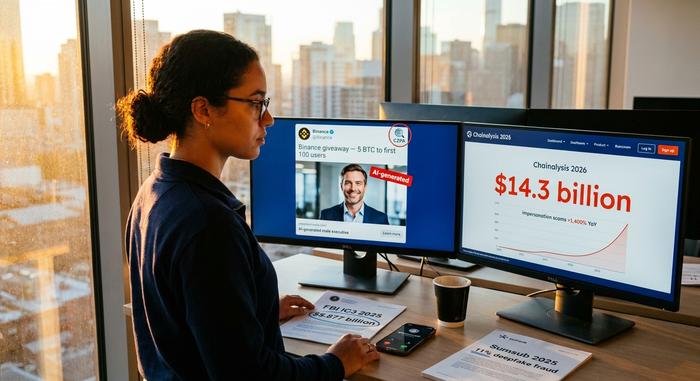
Now the harder angle, scam and deepfake risk. Chainalysis's 2026 Crypto Crime Report pegs 2025 crypto-scam losses at roughly USD 17 billion. AI-enabled operations average USD 3.2 million each, 4.5 times more profitable than older scams, and impersonation scams jumped 1,400% year-on-year. Sumsub's 2025 Identity Fraud Report puts deepfakes at 11% of top first-party fraud schemes and pegs crypto at a 2.2% fraud rate, third-highest among all measured industries. The FBI's IC3 2025 report logged USD 20.877 billion in total cybercrime losses across more than one million complaints, including a first-ever dedicated AI section (22,364 complaints, roughly USD 893 million) plus USD 11 billion across 181,565 crypto complaints. Bing's filters block obvious celebrity generation, true. They do not block generic "trader in hoodie, laptop, TradingView charts" images that anchor phishing landing pages. Rule of thumb for crypto teams: never treat an image as proof of anything, require on-chain or KYC verification instead, and remind users that image polish is now essentially free.
Last angle, copyright and ownership ambiguity. If your project's hero artwork came out of Bing Image Creator and you tokenised it, what does the holder actually own? The US Copyright Office keeps ruling the same way: purely AI-generated work lacks human authorship, so it lacks copyright. That cascades into murky licensing for any derivative NFT. The current workaround is a hybrid flow (AI draft plus documented human editing). This area is still moving.
None of this takes AI image tools off the table for crypto teams. It just shifts the default posture. Use with labels, not use in silence. Handle every AI image in your stack the way you would an anonymous contributor's code pull: useful, but only after review.
Should You Use Bing Image Creator AI in 2026?
Short answer. Yes, with eyes open, for the right jobs.
Use Bing Image Creator when the brief is a draft, a social variant, a blog header, a template-style visual, or a fast mockup that will be iterated before anything public-facing ships. Its 15 fast creations a day are plenty for a lean marketing function, its model rotation covers more visual styles than a single-model competitor, and the zero price tag is hard to argue with.
Avoid Bing Image Creator when the brief is an editorial hero image that has to compete in quality with commissioned photography, an ad creative that will run against Midjourney-quality competitors, or anything involving a real person, a named brand logo, or a regulated industry where copyright ambiguity becomes a business risk.
For crypto teams specifically, the extra rule is about trust signals. The C2PA watermark is a feature, not a bug. Leave it in. Disclose AI involvement in NFT listings. Never use a Bing-generated image of a person, an exchange interface, or a wallet dashboard to support any claim that could induce a user to send funds, even in satire or educational content, because the audience that reads crypto content is the audience that fraud teams also target.
The broader context keeps moving fast. Grand View Research puts the global AI image generator market at USD 349.6 million in 2023, USD 406.4 million in 2024, and projects USD 1.08 billion by 2030 at a 17.7% CAGR. Fortune Business Insights sees USD 484 million in 2026 heading to USD 1.75 billion by 2034 at a 17.40% CAGR. Usage is still accelerating, regulatory frameworks are tightening, and the output quality of every free tool, Bing included, is better each quarter than it was the quarter before. Any image created using Bing Image today already out-resolves most paid tools from two years ago. The rational strategy is to stay hands-on with at least one of these tools, and Bing Image Creator is the easiest door into the house.