BadUSB Attack: How a USB Cable Becomes a Keyboard
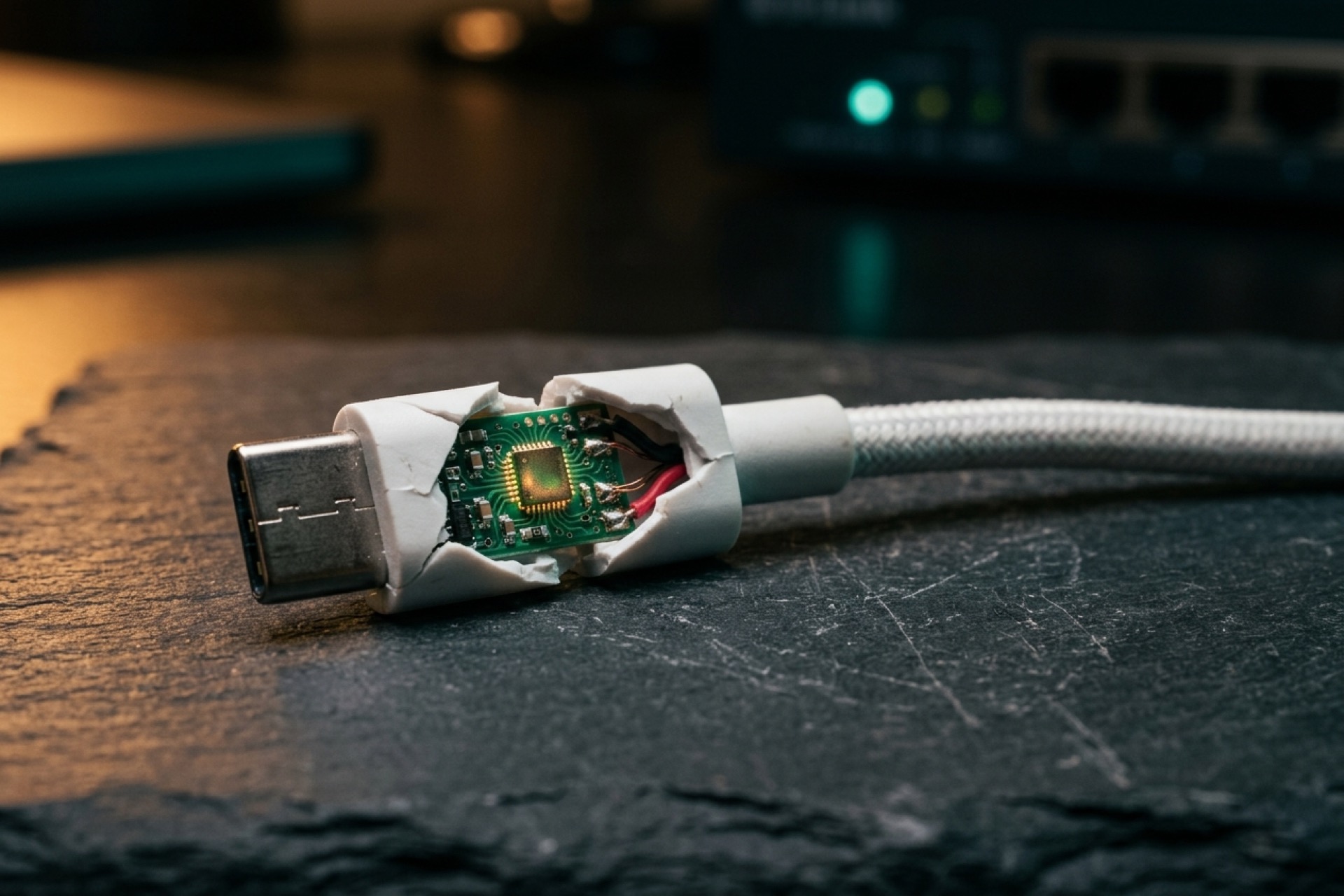
The most dangerous thing in your bag might be the cable you trust the least to think about. A USB cable, a spare flash drive, the "free" charger someone left in a meeting room. They all look harmless. Plug one in, though, and if it has been turned into a BadUSB device, your computer does something strange in the first half-second: it greets the cable as a keyboard and lets it start typing.
That is the whole trick. BadUSB isn't a virus you can scan for. It's a cyberattack that abuses what USB is allowed to do by default, one of the sneakiest attack vectors in all of cybersecurity. And for anyone holding crypto, that silent typing can quietly cost you a wallet. Here's how it works, why it's so hard to stop, and why crypto users sit right in the blast radius.
What Is a BadUSB Attack and Why It Is Dangerous
Every USB device, from a $3 thumb drive to a webcam, runs on a tiny microcontroller with its own firmware. That firmware is what tells your computer "I am a keyboard" or "I am storage." A BadUSB attack rewrites it so the device lies. The flash drive you think is just storage quietly re-announces itself as a keyboard, or a network card, and the operating system takes it at its word. No prompt. No warning.
Why does that matter so much? Because of how computers treat keyboards. A keyboard is a Human Interface Device, and every OS trusts HID input completely. It assumes a real person is sitting there, pressing real keys. So a malicious USB device that poses as a keyboard inherits all of that trust, and it starts typing commands at machine speed.
The 2014 wake-up call
The idea went public at Black Hat USA 2014, when two SR Labs researchers, Karsten Nohl and Jakob Lell, got on stage and showed it off. Their talk had a great title: "BadUSB — On Accessories That Turn Evil." A normal-looking drive, reprogrammed to act as a keyboard, hijacking a machine while the user saw nothing at all. Weeks later, Adam Caudill and Brandon Wilson dropped working exploit code at DerbyCon. That was the turning point. BadUSB stopped being a lab trick and became something anyone with a free weekend could build.
Why you can't just patch it
Here's the part that still bothers security people. Most USB controllers accept new firmware with no code signing and no authentication at all. Nothing checks that the update came from someone you should trust. So the weakness isn't one buggy program you can patch. It lives in the USB trust model itself.
Your antivirus scans files. BadUSB doesn't need a file. The malicious behavior is baked into firmware, and the attack itself is just keystrokes. Nothing lands on disk to flag. That is how a fully patched, fully protected laptop still falls to a $200 cable.
How a BadUSB Attack Plays Out in Seconds
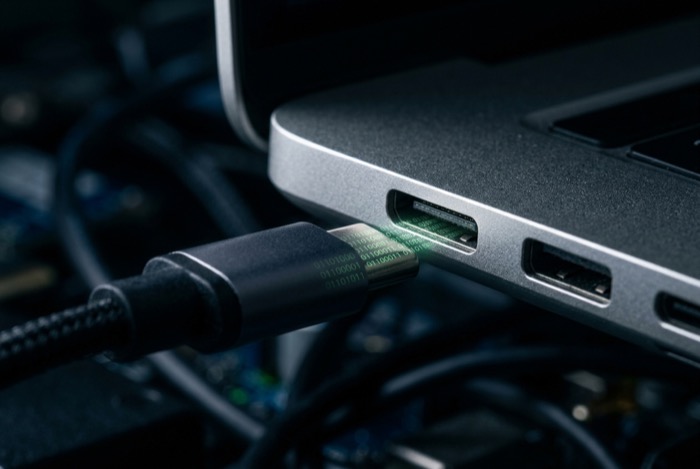
Picture the sequence. You plug in the cable. It enumerates, telling the computer it's a keyboard, and within a second or two it starts firing keystrokes from a payload the operator loaded ahead of time. No human types this fast. Nobody comes close.
A typical payload opens a hidden command window or a PowerShell prompt, usually somewhere you never see it, pulls a script off the internet, and runs it. The cable does the typing. The internet supplies the malware. By the time you glance at the screen, it's already done.
Two seconds of typing goes a long way. Open a terminal. Kill a security prompt. Pull down a remote-access tool and wedge it into startup so it survives a reboot. On Windows, a single PowerShell line is enough to grab code from a server the attacker owns and run it. And the script can be patient. It can wait for a certain time of day, or fire only when the screen is unlocked, so the burst of keystrokes blends into whatever you were already doing. Your antivirus never flinches, because nothing arrived as a file. It arrived as input.
Why does this keep working? Simple. You can lock down software, restrict installs, run every scanner on the market. But a keyboard is assumed to be you. That one assumption is the whole game, and BadUSB beats it by definition.
BadUSB Tools You Can Buy: Rubber Ducky to Flipper
For years this felt like spy-movie territory. Not anymore. Off-the-shelf gear does keystroke injection straight out of the box, and the prices are boringly normal.
The USB Rubber Ducky from Hak5 is the classic: a stick that looks like a flash drive, scripted in a simple language called DuckyScript, built for exactly this. The Flipper Zero, a pocket multi-tool that went viral, ships with a BadUSB feature built in and sells for around $169. And then there's the O.MG Cable, which is the one that should worry you most, because it isn't a drive at all. It's a cable.
The O.MG Cable looks identical to a normal Apple or USB-C cable. Inside hides a wireless chip and a little web interface the operator reaches over Wi-Fi. The Elite version fires keystrokes at up to 890 per second and keeps an onboard keylogger that holds up to 650,000 of them. Sitting idle, it charges your phone and moves data like any other cable. You'd never know. That's the whole point.
| Tool | Form factor | Injection speed | Wireless control | Approx. price |
|---|---|---|---|---|
| USB Rubber Ducky | Flash-drive stick | Fast (scripted) | No | ~$60 |
| Flipper Zero | Pocket multi-tool | Fast (scripted) | Limited | ~$169 |
| O.MG Cable (Elite) | Normal-looking cable | Up to 890 keys/sec | Yes (Wi-Fi) | ~$200 |
To put that in perspective, a comparable implant in the past, the kind reportedly built by intelligence agencies, cost in the tens of thousands of dollars. The O.MG Cable rebuilds most of that capability for the price of a nice dinner. The barrier to entry has basically vanished.
Why Crypto Holders Are a Prime BadUSB Target
Most write-ups stop at the corporate IT angle. I want to go where they don't, because if you hold crypto, your threat model is different, and honestly a bit worse.
The clipboard swap
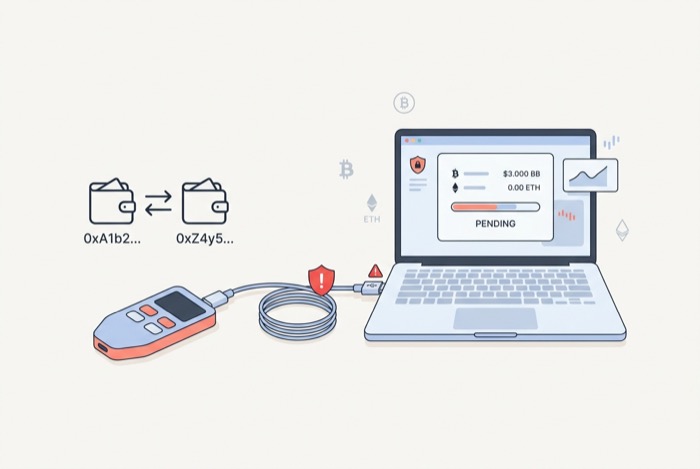
A BadUSB attack doesn't need to crack your wallet. It only has to change one thing: your clipboard. The injected payload drops a clipboard hijacker in seconds. After that, every time you copy a crypto address to send funds, the malware quietly swaps in the attacker's address instead. You paste what looks right. You confirm. The money lands in a stranger's wallet.
This isn't theoretical. One clipboard hijacker was caught watching more than two million Bitcoin addresses, swapping in attacker wallets on the fly. In a 2024 campaign nicknamed GitVenom, fake code repositories shipped address-swapping malware and made off with roughly $485,000 in Bitcoin. The trick is nasty because crypto addresses are long, random strings nobody actually reads character by character. You check the first four, you check the last four, they match, you hit send. The swap hides in the middle, exactly where your eyes never go. And the stakes are enormous: according to Chainalysis, about $2.2 billion in crypto was stolen in 2024, with private key compromise behind 43.8% of those losses.
Does a hardware wallet save you?
Mostly, yes, and it's worth being clear about why. A Ledger or Trezor locks your seed phrase inside a Secure Element. The private keys are born there and never leave. Only a signed transaction ever crosses the USB wire. So a BadUSB device spraying keystrokes can't just type some command that yanks your seed off a working hardware wallet. The whole architecture is built to refuse exactly that.
But there are two real holes. The first is social engineering. In 2021, scammers mailed fake Ledger devices to people whose home addresses had leaked in Ledger's 2020 data breach. The counterfeit hardware shipped with a note telling victims to type their 24-word seed phrase into a bundled app, as CoinDesk reported. No exploit required. Just a convincing package and a little fear. The second hole is the supply chain. Researchers at Kraken showed that the chip that handles USB on a hardware wallet, the one separate from the Secure Element, could be tampered with before the device ever reached the buyer.
The lesson isn't "hardware wallets are useless." They're the right tool, full stop. The lesson is that the weak point moves to you: what you copy, what you type, and where your device came from in the first place.
How Common Is the USB Threat, Really?
It's tempting to file BadUSB under "interesting, but rare." The data says otherwise, at least for the broader USB threat.
The security firm Honeywell tracks malware found at industrial sites. In its 2024 report, Honeywell found that 51% of the malware it caught was built to spread through USB, up from just 9% in 2019. Of that USB malware, 82% could disrupt industrial operations. USB isn't a dead attack surface. It's a growing one.
And the human factor is the easiest part to exploit. In one well-known study, researchers from the University of Illinois scattered 297 USB drives around a campus. People picked them up and plugged them in, the first one within minutes. Curiosity does the attacker's job for free.
| Finding | Figure | Source | Year |
|---|---|---|---|
| OT-site malware that spreads via USB | 51% (up from 9% in 2019) | Honeywell | 2024 |
| That USB malware able to disrupt operations | 82% | Honeywell | 2024 |
| Crypto stolen, share from private-key compromise | $2.2B / 43.8% | Chainalysis | 2024 |
| Dropped USB drives that get plugged in | About half, within minutes | Univ. of Illinois | 2016 |
One honest caveat here. The FBI and FCC both put out public warnings in 2023 about "juice jacking" at airport and mall charging stations. Those warnings were precautionary, and no big confirmed case has surfaced in public. Still, the weakness they're pointing at, a charging port that can also move data, is exactly what BadUSB abuses. The point isn't that a booby-trapped cable waits at every airport. It's that the same USB port carries power and data on the same pins, so a port you can't inspect is a port you can't fully trust.
How to Prevent BadUSB Attacks and Protect Crypto
The good news? BadUSB attack prevention is mostly cheap and behavioral. You don't need fancy software so much as one new habit.
- Don't plug in any USB device or cable you didn't buy yourself or can't fully trust. The conference giveaway, the drive you found in the parking lot, the loaner cable, those are the threat. Treat them the way you'd treat a stranger's needle.
- Carry a USB data blocker, sometimes called a "USB condom," for charging in public. It physically cuts the data pins and passes only power, which kills both juice jacking and keystroke injection over that USB port.
- For crypto specifically, always check the full receiving address on your hardware wallet's own screen before you approve anything. That one habit defeats the clipboard swap, because the address on the trusted device won't match the one the malware slipped in.
- Buy hardware wallets straight from the manufacturer, never from a third-party reseller or a stranger, and never trust a device that just shows up unannounced.
- On the endpoint side, USB device control, HID whitelisting, and endpoint management tools can stop unrecognized keyboards from connecting at all. On personal devices, features like Apple's "Allow accessories to connect" prompt, or Android's USB-off-while-locked setting, close the same door.
None of these are exotic. They're the digital version of not eating food a stranger hands you on the street.
The Takeaway on BadUSB and USB Security
BadUSB is unsettling precisely because it's so ordinary. No zero-day, no genius required, just a $5 assumption that a cable is only a cable and a keyboard is only you. That assumption is wrong, and the gear to prove it wrong now costs about as much as the phone you're charging.
For crypto holders the fix doesn't require paranoia, only discipline. Verify addresses on the device screen, not the computer. Buy your hardware direct. And the next time someone offers you a cable you didn't bring, ask yourself what it might be typing. What would you have plugged in today without a second thought?