Trezor Hardware Wallet 2026: Beginner Setup & Crypto Security
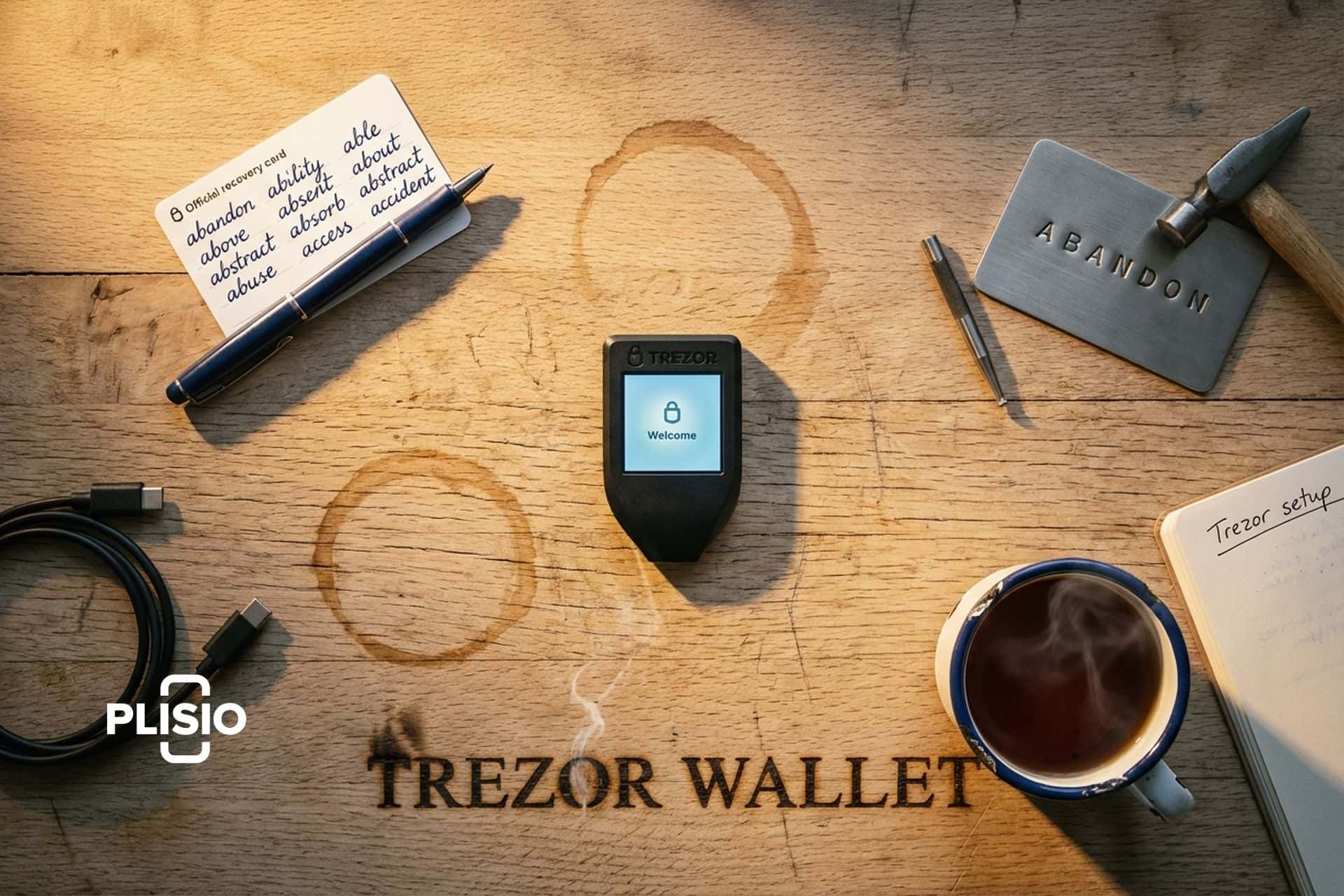
If you bought your first Bitcoin on an exchange and the only thing standing between your coins and a stranger is a password, you already know how exposed that feels. The honest answer to "where should I keep this stuff" has not changed in a decade. Get the keys offline, into a small dedicated device, and never let them touch the internet again. The Trezor wallet was the original product built around that idea, it is still one of two devices the entire industry compares everything else to, and in early 2026 the lineup looks nothing like it did even a year ago.
This guide walks a complete beginner through what a Trezor hardware wallet actually is, the current 2026 lineup, the real setup process step by step, the parts of crypto security people get wrong (seed phrase, PIN, passphrase), and the honest history of the past breaches. It is the article I would hand a friend who finally agreed to take their crypto off Coinbase but does not know where to start.
What Is the Trezor Hardware Wallet and Why Use One?
Strip the marketing away and a Trezor hardware wallet is just a tiny dedicated computer with one job: hold your private keys somewhere your laptop cannot reach them, and sign transactions only when you tell it to. The keys are born on the device, they live on the device, and they never come off it, not even when you plug it in over USB. Whatever junk your main computer might be running quietly in the background (a keylogger, a clipboard hijacker, a leaked browser extension) has no path to those keys, because the chip holding them is built to flatly refuse the request.
That model exists because the alternative is grim. According to the Chainalysis 2026 Crypto Crime Report, stolen funds from crypto hacks totalled $3.4 billion in 2025, with the February 2025 Bybit breach alone accounting for $1.5 billion, the largest crypto heist ever recorded. Personal wallet compromises (the kind that hit retail users, not exchanges) made up roughly $713 million of that total. TRM Labs separately found that more than 80% of the $2.1 billion stolen in early 2025 traced back to seed phrase exposure or front-end attacks. Almost none of that was a flaw in the hardware wallet hardware itself. It was a hacker exploiting people who typed seeds into the wrong window or signed transactions they did not understand.
| Loss category, 2025 | Amount | Where it came from |
|---|---|---|
| Stolen funds (hacks) | $3.4 billion | Mostly exchanges, with Bybit $1.5B |
| Personal wallet compromises | ~$713 million | Phishing, malware, seed exposure |
| Wallet-drainer phishing | $83.85 million | Down 83% YoY (Scam Sniffer) |
| Seed phrase / front-end share | 80%+ of $2.1B early 2025 | TRM Labs |
Sources: Chainalysis 2026 Crypto Crime Report, TRM Labs, Scam Sniffer 2025 Annual Drainer Report. Most of these numbers describe attacks that a hardware wallet plus good habits would have stopped cold.
A bit of history. Trezor was the first hardware wallet anyone ever shipped. The company behind it is SatoshiLabs, based in Prague, founded in 2013 by two Czech crypto people (Marek "Slush" Palatinus and Pavol "Stick" Rusnak) who met at a hackerspace called brmlab. They put the first Trezor One on sale in August 2014. Roll the clock forward twelve years and Trezor plus Ledger now own more than 70% of the global hardware wallet market between them (Trezor sitting around 30%, Ledger around 40%, per CoinLaw's 2025 numbers). The whole category brings in roughly $680 million a year and keeps growing. And yet, only about two in ten crypto holders actually use cold storage. The other eight are still leaving the keys with somebody else. That last group is the audience for this guide.
Trezor vs Ledger: Cold Wallet Choice in 2026
Both companies make excellent products, and most of the genuine arguments between Trezor and Ledger fans come down to philosophy more than anything else. Trezor is fully open source. Every line of firmware can be read on GitHub, and starting with the Safe 7, even the secure element chip itself (TROPIC01) is open and auditable. Ledger keeps its firmware closed and uses an NDA-locked Secure Element from STMicroelectronics. Both are EAL6+ certified. Both will keep your coins safe under normal use.
Where it gets practical: Ledger had its 2023 Connect Kit incident, where a former employee's NPM account was phished and a malicious library briefly drained around $600,000 from users of certain decentralised apps. Ledger reimbursed everyone. The reputational damage came less from the loss and more from the fact that Ledger had launched its controversial "Recover" seed-sharding service a few months earlier, and people felt the open-source argument suddenly mattered again. Trezor, on the other hand, has never had its devices compromised at the hardware level. Its biggest incidents have been data breaches at third parties, which we cover later.
For a complete beginner in 2026, the answer is "either is fine, pick one." If you genuinely care that the entire stack is open, pick Trezor. If you want a slightly slicker app and a wider selection of "earn" integrations, look at Ledger. Both companies will be around the next halving.
Trezor Crypto Hardware Wallet Lineup in 2026
If you last looked at Trezor's catalogue a year or two ago, basically nothing on the shelf is the same. On January 8, 2026, the original Model One (that keychain-style stick from 2014) and the Trezor Model T (the touchscreen one from 2018) were both quietly pulled from the official Trezor store. Walk into the store today and you pick from exactly three devices: Safe 3, Safe 5, and the new flagship Safe 7. All three of them ship with a proper secure element chip inside, all three are fully open-source from firmware to schematics, and all three plug into Trezor Suite, the desktop-and-mobile companion app, with support for north of 8,000 individual coins and tokens.
| Device | Price | Screen | Secure Element | Connectivity |
|---|---|---|---|---|
| Trezor Safe 3 | $79 | Monochrome OLED | Infineon OPTIGA Trust M (EAL6+) | USB-C |
| Trezor Safe 5 | $169 | 1.54" color touchscreen | OPTIGA Trust M V3 (EAL6+) | USB-C |
| Trezor Safe 7 | $249 | Color touchscreen | Dual: TROPIC01 + EAL6+ | USB-C, Bluetooth LE, Qi2 wireless |
Sources: Trezor.io compare page, Decrypt, Bitcoin Magazine, October 2025 to April 2026.
The Safe 7 is the one to highlight. SatoshiLabs launched it on October 21, 2025 at its "Trustless by Design" event in Prague. It is the first hardware wallet built around TROPIC01, a fully transparent secure element chip designed by Prague-based Tropic Square that you can audit end to end, instead of trusting a vendor under NDA. It also doubles up with a second EAL6+ chip for redundancy, ships with Bluetooth LE for phone connectivity, supports Qi2 wireless charging, and is marketed as "quantum-ready" because the firmware architecture is built to accept post-quantum signature schemes through later updates. For a first-time buyer, Safe 3 at $79 is the sensible starting point. Safe 5 is the upgrade if you want the touchscreen. Safe 7 is for people who want the absolute newest hardware and do not mind paying $249 for it.
Setting Up Your New Trezor with Trezor Suite
Setup is the bit that scares most beginners off and then turns out to be the easy part. Budget about fifteen minutes for a Safe 3, a bit longer if you go with Shamir backup. Plug your new Trezor into a computer with the USB-C cable that comes in the box. Open a browser and head to trezor.io/start, where the site spots the device and walks you through downloading Trezor Suite, which is the official desktop app. One important rule before you do anything else: do not Google "trezor download." Fake Trezor sites have been a recurring problem since at least 2022, and they look identical to the real one. Always type trezor.io directly into the address bar yourself, ideally bookmark it the first time, and never trust a search result for it again.
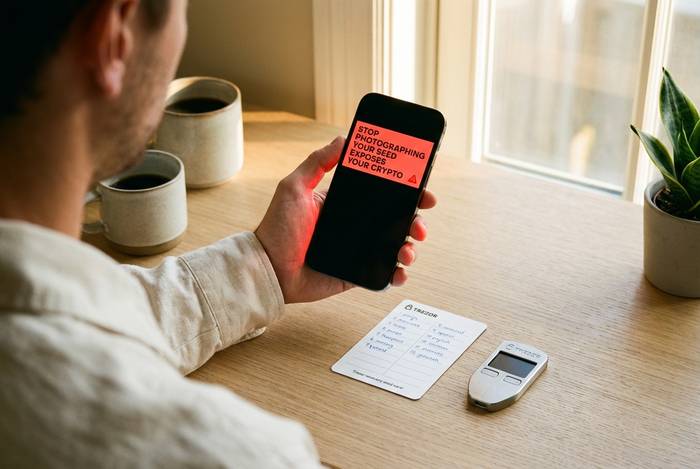
The Trezor Suite app handles everything from there. It installs the latest firmware on your device, prompts you to create a new wallet, then generates your recovery seed securely on the Trezor itself. The seed is a list of 12 or 24 English words that represent your private keys. Write it down on the paper card that ships in the box, store the card somewhere your house wouldn't burn down with it, and never, under any circumstance, take a photo of it, paste it into a notes app, email it to yourself, or type it on a computer. The seed is the only thing that can restore your wallet if the device is lost or destroyed, and it is also the only thing a thief needs to drain you. Treat it the way you would treat the only key to a safety deposit box.
After the seed comes the PIN. Pick a number you can remember. Trezor displays a randomized number grid on the device screen so an attacker watching your laptop screen cannot see which positions you tap. After 16 wrong PIN attempts the secure element wipes the device, which is annoying if you forget the PIN and reassuring if someone steals the device. With PIN set, your Trezor is technically usable. You can stop here. Or you can take the next step and add a passphrase, which is what serious users do.
Seed Phrase, PIN, and Passphrase: Take Control
The seed phrase, PIN, and passphrase are three different layers of protection that beginners often confuse. Here is how they actually relate. The seed phrase is the master key. With those 12 or 24 words, anyone can recreate your wallet on any compatible device, no Trezor required. The PIN protects the physical device. Without the PIN nobody can use your Trezor even if they steal it, but the PIN does nothing to protect the seed, which lives on a piece of paper somewhere. The passphrase is a separate, optional layer that mixes with your seed to create a completely different "hidden" wallet that does not appear unless that exact passphrase is typed in.
That last point matters. A passphrase is not a 25th word. It is more like a second seed that gets blended with the first. Type one passphrase and you see one set of accounts. Type a different passphrase and you see a completely different set, with no trace that the first one exists. People use this for plausible deniability (an attacker who finds your seed but does not know your passphrase only sees a small "decoy" wallet) and for compartmentalisation (different passphrases for different purposes). The cost is that if you forget the passphrase, those funds are gone. The seed alone will not get them back.
Trezor also supports Shamir backup, formally known as SLIP-39, on Model T, Safe 3, Safe 5, and Safe 7. Shamir splits your seed into multiple 20-word shares, for example 3 shares where any 2 are enough to recover the wallet. You can store one share at home, one with a family member, and one in a bank deposit box. No single share, on its own, can compromise the wallet. It is the closest thing to enterprise-grade key management that is realistic for a regular person to actually run.
How to Use the Secure Device for Daily Crypto
After setup, day-to-day use of the secure device is honestly pretty boring, which is the point. Want to receive crypto? Open Trezor Suite, hit Receive, pick the coin and the account, and a fresh receiving address pops up. Now do the one habit that separates beginners from people who keep their funds: glance at the screen on the actual Trezor in your hand and check the address shown there matches the one on your laptop. If those two don't agree, something on the laptop is lying to you (clipboard-swap malware is depressingly common in 2026 phishing kits) and you do not send anything until you figure out what.
Sending is the same dance in reverse. Hit Send in Trezor Suite, paste in where the coins are going, type the amount, click confirm. Your computer puts the transaction together, but the actual signature happens inside the Trezor, and nothing leaves the device until you walk over and physically press the button. Even a fully compromised laptop cannot move your coins without you doing that. Look at the Trezor display every single time. Read the address, read the amount, and if anything on it looks off (a different recipient, an extra zero, a coin you didn't pick) just reject the transaction.
Coin support is wide. Trezor Suite handles Bitcoin, Ethereum, Solana, and most of the big names natively, and there are integrations for thousands more on top of that. You can also pair the Trezor with third-party apps you might already use (Exodus, MetaMask, Electrum) if you prefer their interfaces. The pattern stays the same: the front end is whatever you like, the signing still happens on the Trezor, the keys never leave the device.
Common Trezor Setup Mistakes to Avoid
Almost everything that goes wrong with a Trezor goes wrong in roughly the same handful of ways. The most common is photographing the recovery seed "just to be safe." Phones get hacked. Cloud photo backups get scraped by drainer kits. As soon as your seed lives on any internet-connected device, the hardware wallet has been bypassed entirely and you might as well not own one. Write the words on paper, or better, stamp them into a metal backup plate that will survive a house fire and a flood. The Trezor Keep Metal accessories exist for exactly this purpose, and there are decent third-party plates if you would rather not buy from one vendor.
The second most common mistake is buying a Trezor from a random Amazon seller or an eBay listing. Always buy directly from trezor.io or an authorized reseller listed on the Trezor site. Tampered devices have been a real attack vector in the past, and an unboxing video from an "amazing deal" seller is not a safety check. Trezor's tamper-evident packaging and on-device firmware verification protect against most attacks, but the safest path is the official store.
The third is panicking and entering the seed phrase into a website that "needs to verify your wallet." There is no legitimate reason any website, app, or support agent will ever ask you to type your seed. Trezor will never ask. Trezor Suite will never ask. If something is asking, close the tab. The 2024 Trezor support portal breach exposed the names and emails of around 66,000 users, and the attackers used those lists to send phishing emails that looked exactly like Trezor support. No private keys were exposed by the breach itself. Every reported loss came from users who then typed their seed into a fake site.
When One Wallet Is Not Enough: Multi-Account Setup
Trezor Suite lets you run multiple accounts on one device. You can have a Bitcoin savings account, a separate Bitcoin spending account, an Ethereum account for DeFi, and a fresh hidden wallet behind a passphrase, all on the same physical Trezor. Each account has its own derivation path and its own addresses. Funds in one cannot be touched by signing transactions in another.
This is how serious users compartmentalise. The cold storage account never connects to anything, ever. The DeFi account is the one that signs into MetaMask and interacts with smart contracts. If a malicious contract burns the DeFi account, the cold storage stays untouched. The setup costs you nothing beyond a few extra clicks during account creation. The discipline is what matters.
Trezor Security Track Record and Past Incidents
Worth being straight about this, because pretending Trezor has a perfect record makes the whole article useless. Trezor has had incidents. The first big one was in 2022 when Mailchimp got breached and Trezor's newsletter list went out the door, which led directly to a wave of targeted phishing emails. The second came in January 2024, when a third-party support portal that Trezor was using got popped, and roughly 66,000 user names and emails leaked. Neither of these breaches touched private keys, recovery seeds, or actual funds. What followed in both cases were phishing campaigns aimed at the exposed users, and the people who lost money were the ones who later typed their seeds into a fake site.
The hardware itself has held up better than the email lists. To date there is no documented case of a current-generation Trezor device (Safe 3, Safe 5, or Safe 7) being compromised by a remote attacker pulling keys off the device. The older Trezor One and Trezor T did have a long-running voltage glitching weakness that needed physical possession plus specialised lab gear to exploit, and that is exactly the gap the Safe series was built to close by adding a real secure element chip.
Compare that to the broader crime picture. Chainalysis put 2025 stolen funds at $3.4 billion. Wallet-drainer phishing alone cost users $83.85 million in 2025, even after dropping 83% from the prior year. The hardware wallet does its job. The user is the part that gets attacked.
Should You Get a Crypto Wallet from Trezor?
If you hold more crypto than you would be comfortable losing in a single bad afternoon, yes. The cheapest current Trezor is $79 and that is a fraction of what a typical retail user has on an exchange. The setup takes fifteen minutes. The learning curve is modest if you treat the recovery seed like the only key to your house, which is exactly what it is.
If your situation is different (you trade actively, you need instant exchange access, your balance is small enough that the friction is not worth it) then a hot wallet on your phone is fine. Cold storage is not the right answer for everyone. It is the right answer for almost everyone who has a balance worth defending and is currently relying on someone else's password.
The wider numbers are pulling the same way. The hardware wallet market grew an estimated 31% in 2025, institutional cold storage adoption climbed by roughly half year over year, and the apps have never been easier for a non-technical user to actually finish. Twelve years on from the original Trezor One, a small box that costs less than a fancy dinner is still the simplest way to stop relying on someone else's password to protect your savings.