Lensa AI Review 2026: Magic Avatars, Pricing and What to Know
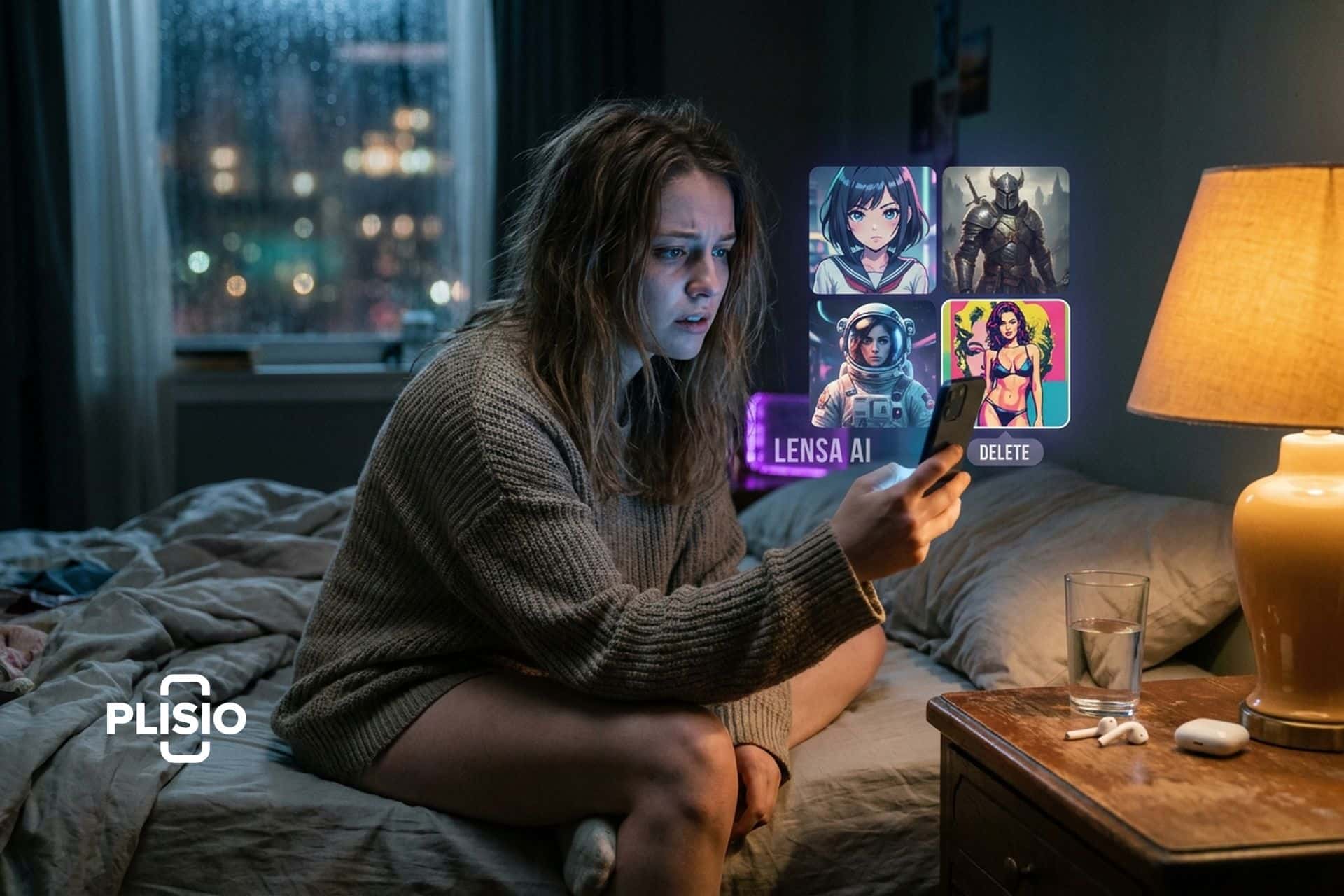
December 2022. My entire Instagram feed turned into an AI art gallery overnight. Everyone was an astronaut. Everyone was an elf. Everyone was an anime character. Lensa AI did that. The app hit number one on the US App Store. 19.3 million downloads in one month. Prisma Labs banked $30.75 million in December, with single days crossing $8 million.
Then the backlash hit. Hard. Artists spotted fragments of their own signatures inside AI-generated images. Women uploaded normal selfies and got back sexualized portraits they never asked for. Privacy lawyers started circling. A class-action lawsuit landed. Downloads crashed from 19.3 million to 1.4 million in January 2023.
Three years later, Lensa is still here. Version 6.2.5 dropped April 2026. New avatar styles. One-photo generation. Couple avatars. About 800,000 active users. Prisma Labs pulled roughly $20 million in 2024. December 2025 saw another spike: 12.6 million downloads in 11 days. The app refuses to die.
I downloaded it again to see what changed. Here is the honest version.
What Lensa AI is and how the app works
Lensa is a mobile photo editing app built by Prisma Labs, a company founded in 2016 by Andrey Usoltsev and Alexey Moiseenkov. They made the Prisma app first, which turned photos into paintings using neural network filters. Lensa came two years later, in 2018, focused specifically on portrait editing and selfie enhancement.
The Lensa AI app runs on iOS and Android. No web version. No desktop. Download Lensa AI from the App Store or Google Play, open it, and you see a clean interface with two tracks: photo editing and Magic Avatars. It is an ai app that uses artificial intelligence to do work that used to require Lightroom or Photoshop skills.
The photo editing side handles the basics and does them well. Face retouching smooths skin, brightens eyes, and removes blemishes without making you look plastic. Background removal works in one tap. Removing unwanted objects erases distracting elements. Photo filters and presets cover everything from film grain to VHS effects to stunning effects you would normally need another app like Lightroom for. A "Hollywood" preset makes every photo look like it came off a movie set. Most of these ai-powered editing features work in one tap. Upload your photos, the ai technology does its thing, adjust sliders for the powerful photo enhancement if you want, and save. The Lensa app lets users to transform ordinary selfies into ai portrait material without touching a manual slider.
The real draw is create magic avatars. Upload 10 to 20 close-up selfies with varied expressions and angles (no sunglasses or hats). Lensa creates a temporary copy of the Stable Diffusion model, a deep learning model used to train on your specific face data. A separate ai-based model is built just for you, learns your facial features, and then generates 50 avatars to 200 unique avatars across the range of styles you pick. Images generated in the process can be ai portrait app quality or better. It takes about 20 minutes for Lensa to finish, sometimes less. After generation, Prisma Labs says it deletes your photos and the temporary model from their servers. The images based on your face are yours to keep and download.
The ai work behind this uses Stable Diffusion, an open-source model created by Stability AI. It was trained on the LAION-5B dataset: billions of images scraped from the internet without their consent. About 47% came from 100 websites. Pinterest was the biggest source. Several artists later found their copyrighted digital art in the training set. That is where the controversy comes from. Lensa uses this model to generate ai image after ai image, each one built on patterns learned from work that real people created.
Magic Avatars: what you get and what they cost
Magic Avatars is the feature that made Lensa famous. It is also the feature you pay extra for.
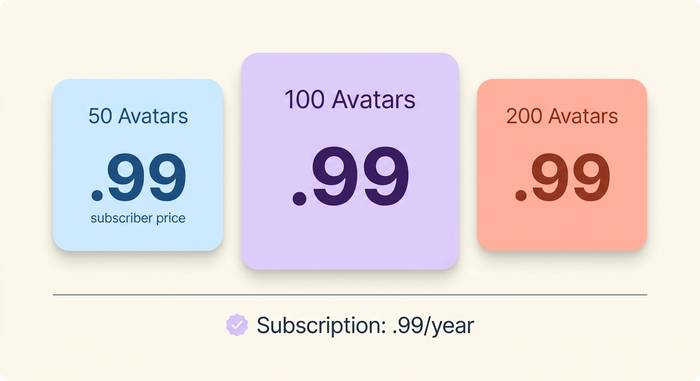
The app charges for avatar packs on top of the subscription. Here is the breakdown:
| What you get | Non-subscriber price | Subscriber price |
|---|---|---|
| 50 unique avatars | $3.99 | $1.99 |
| 100 unique avatars | $5.99 | $3.99 |
| 200 unique avatars | $7.99 | $5.99 |
You pick up to 10 styles from categories like anime, sci-fi, fairy princess, superhero, pop art, and cyborg. The app generates an equal number of avatars per style. So if you bought the 50-pack and selected 10 styles, you get 5 avatars in each.
New in 2025 and 2026: you can create magic avatars from a single photo instead of uploading 10 to 20. Quality is lower with one photo, but it removes the biggest friction point. Couple avatars let you generate images with a partner. New styles like kawaii and iridescent keep the catalog fresh.
Results? I bought the 50-pack. Got three images with six fingers. One where I was apparently getting married. One that looked like someone else entirely. But the top 10? Genuinely impressive. The anime style nailed the proportions. The fantasy set put me in armor that looked hand-painted. I used two of them as profile pictures the same day. Out of 50 avatars, about 10 were share-worthy. The rest ranged from "fine" to "what happened to my face."
The avatars are generated in up to 4K resolution (or 1024x1024 JPG). You can download them, share to social media, or even order physical prints through a Pixels.com partnership.
Lensa AI pricing and subscription plans
Two costs. Not one. This trips up nearly every new user.
The subscription pays for editing tools. The avatar packs pay for avatars. Separate charges.
| Plan | Price | What you get |
|---|---|---|
| 7-day free trial | $0 | All editing tools. Avatars cost extra. |
| Annual | $29.99/year (~$2.50/month) | Everything. 51% off avatar packs. |
| Monthly | $7.99/month | Same features. More expensive per month. |
That free trial? It auto-renews. Day 8 and your card gets hit. I set a calendar reminder the second I signed up. Learn from the thousands of one-star reviews from people who forgot.
Without subscribing, you can still buy avatar packs at full price. But you lose retouching, background removal, filters, all of it. The app charges for the subscription and the avatars separately, which feels like paying twice.
I looked up what the competitors charge.
| App | Annual cost | What it does best |
|---|---|---|
| Lensa AI | $29.99/year + avatar packs | AI avatars + retouching |
| FaceApp | $39.99/year | Age/gender face swaps |
| Facetune | $35.99/year | Pixel-level manual editing |
| Remini | $69.99/year | Restoring old blurry photos |
| PhotoRoom | $155.88/year | Product photo backgrounds |
Thirty bucks a year. Cheapest in the group by a decent margin. But the avatar packs pile on. Three packs over a year adds $6 to $12. Still beats FaceApp at $40 or Remini at $70.
Not everyone agrees. A 2025 survey found 75% of users thought the subscription was overpriced. 85% called the avatar pack pricing unfair. Those numbers show up in app store reviews constantly. Right after the auto-renewal complaints.
How to use Lensa AI step by step
Phone only. No web version. No desktop shortcut. The app on your phone is it.
I downloaded it, opened it, and here is exactly what I did. Open the App Store or Google Play. Search "Lensa AI." Download. Free. Open. It immediately asks about the 7-day free trial. I said yes because I wanted to test the editing features. You can skip and just buy avatar packs, but then you miss the retouching tools.
For photo editing: tap the camera icon. Pick a photo. The AI does its thing in about two seconds. One tap retouching. Background blur and sky replacement are in the toolbar. Object removal too. I erased a stranger from a beach photo and the AI filled in the sand like the person was never there.
For Magic Avatars: tap the avatar icon. Upload selfies. I used 15 photos, mixed indoor and outdoor, different lighting. Close-ups with varied expressions and angles worked best. No sunglasses. No hats. The app explicitly tells you this.
Pick your styles. I went with 10 (anime, fantasy, sci-fi, pop art, and six others). Paid $1.99 for 50 avatars since I had the subscriber discount. Hit generate. Went to make coffee. Came back to a push notification: avatars ready. Fifteen minutes total for me.
Browse results. Save winners. Trash the weird ones (and there will be weird ones). Share to Instagram and Twitter or download in 4K.
What I learned from three rounds of testing:
- Upload photos with different lighting. Indoor, outdoor, natural light. This gives the AI more data to work with and the avatars come out more varied.
- Avoid heavy makeup or strong filters on your upload photos. The AI picks up on them and amplifies the effect in weird ways.
- The first batch is usually the best. Subsequent batches with the same photos tend to produce diminishing returns.
- If you get NSFW results you did not ask for (this still happens, especially for women), report them through the app. Prisma Labs says they have improved filtering, but the issue has not been fully resolved.
Privacy, safety and the artist controversy
Three controversies have followed Lensa since Magic Avatars launched. All three matter if you are thinking about using the app.
The artist backlash. Stable Diffusion was used to train on billions of internet images. Many were copyrighted artworks. Several artists found fragments of their signatures in Lensa-generated avatars, and apps like Lensa AI became a flashpoint in the digital art community. The app was not directly copying art, but the AI had learned from it without permission. Artists argued this was theft by algorithm. Prisma Labs responded that they used an open-source model and did not control the training data. The debate is still unresolved and sits at the center of the broader AI art copyright fight.
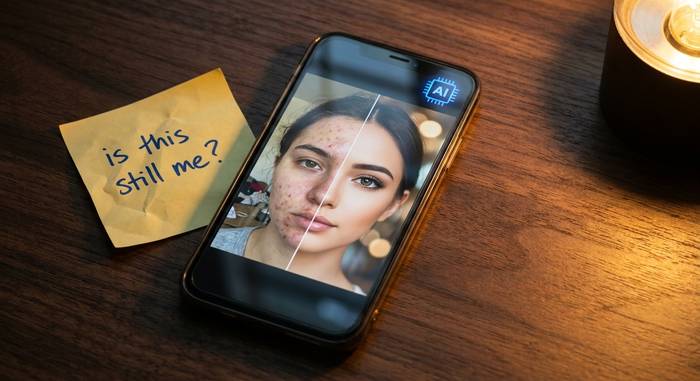
The sexualized output problem. This one made me angry. When Magic Avatars launched, women uploaded fully clothed selfies and got back nude or semi-nude results. Not one or two people. Thousands. Asian women got hit the hardest. The AI's training data contained NSFW content, and the model had learned biased associations between certain demographics and sexualized imagery. Prisma Labs has since added content filters and says the issue is reduced, but user reports suggest it still occurs.
Then there is data privacy. The privacy policy says your photos get deleted within 24 hours and the temporary AI model gets destroyed. I read those words. Nobody has verified them. No audit. No third-party confirmation. Just a promise from a company whose terms of use also say they can retrain models using your data for quality assurance. Those two statements sit uncomfortably next to each other.
A class-action lawsuit hit Prisma Labs alleging biometric data theft under Illinois' BIPA law. They collect your face geometry to build the avatar model. Whether that counts as biometric data depends on which state you live in. In Illinois, it probably does. In most other states, nobody knows yet.
My honest read: retouching and background tools are fine. Normal app stuff. No different from VSCO or Snapseed. The avatar feature is where I would think twice. You are feeding your face into a model. If that sits wrong with you, skip it. Use lensa for editing and do not touch the avatar button.
Apps like Lensa AI and how they compare
I tried the main competitors. Here is what I would actually use each one for.
FaceApp. I aged myself 40 years, swapped my gender, added a beard. Laughed. Shared it. Never opened the app again. It is a toy. A fun one. But a toy.
Remini blew me away on one specific task. I fed it a blurry 2003 photo of my grandfather. It sharpened his face like the photo was taken yesterday. For old photo restoration, nothing else comes close. But it does not do avatars.
Facetune is the manual control freak's dream. Teeth whitening, jawline reshaping, nose adjustment, individual blemish targeting. If you want to spend 20 minutes perfecting a single selfie pixel by pixel, Facetune is built for that. Lensa does it in one tap but gives you less control.
PhotoRoom? Not even the same category. It removes backgrounds from product photos for online stores. Different audience entirely.
Where Lensa fits: it is not the best at any single thing. But it packs AI avatars, automatic retouching, background tools, and solid filters into one app. Apps like Lensa AI try to be the all-in-one. If you mainly want ai portrait generation and quick edits for social media, Lensa handles that better than juggling three separate apps.