KreadoAI Review: AI Avatar Video Generator for Multilingual Content
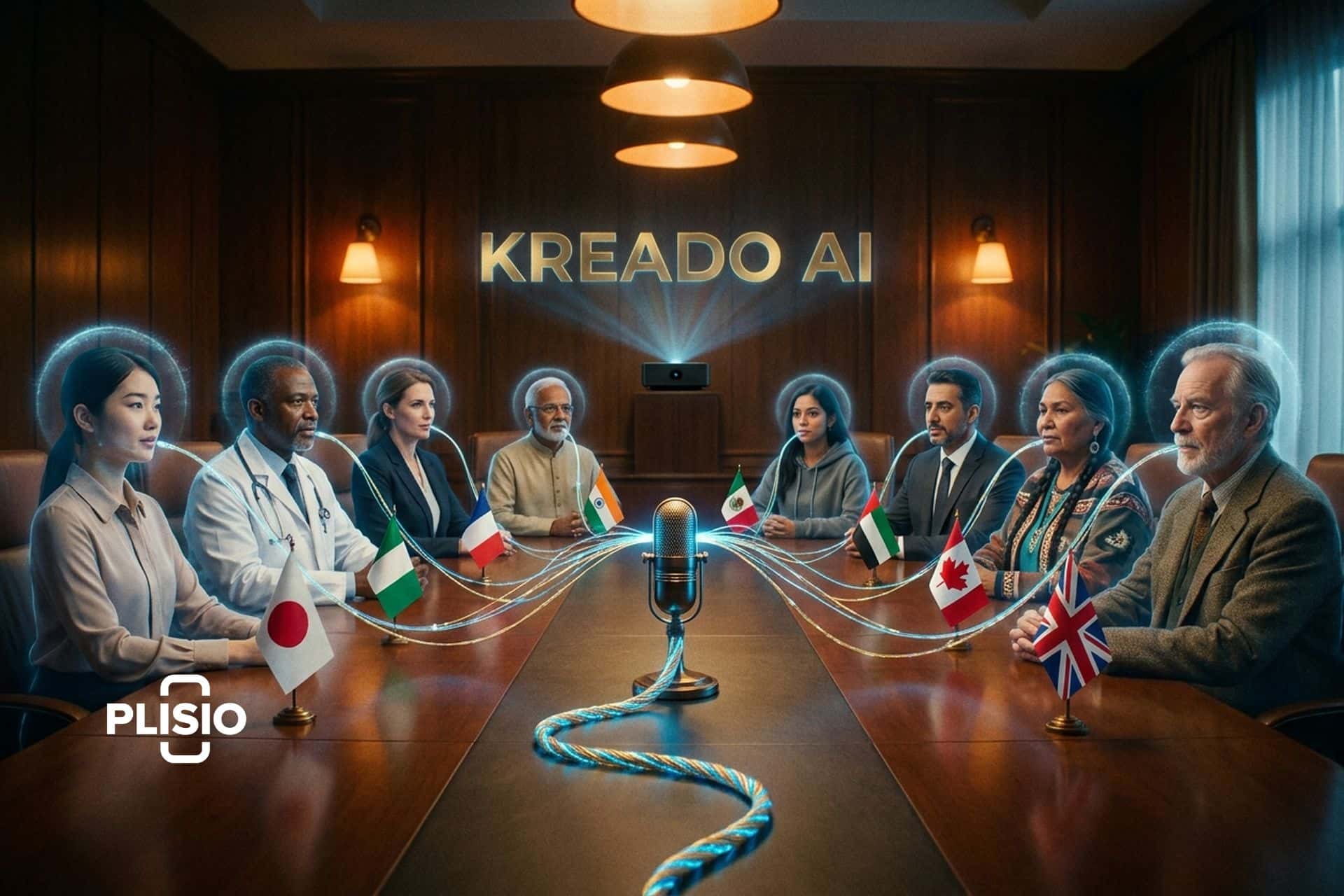
A spokesperson costs thousands per video. Add 10 languages and the bill doubles. KreadoAI wants to replace all of that with a text box. Type a script. Pick an avatar. Choose a language from 140 options and a voice from 40,000. The platform spits out a lip-synced professional video in under a minute.
Does it work? For product explainers, training modules, and marketing clips, actually yes. Over 2 million customers in 200 countries seem to agree. Volkswagen uses it. Airbnb uses it. SHEIN, NYU, Alibaba. Trustpilot says 4.7 stars. G2 says 4.5.
But this is not magic. The avatars look AI-generated. Gestures repeat. Voice cloning depends on clean input. The K-Coin credit system confuses everyone. And HeyGen, Synthesia, and D-ID are right there with their own strengths, fighting for the same budget.
Here is what this AI video maker does, what it costs, and whether it is worth picking over the alternatives. If you want to create multilingual video content at scale without a film crew, this is the tool that promises to get you there.
How KreadoAI Creates AI Avatar Videos
KreadoAI is a video creation platform built around digital avatars. You write a script or paste a URL, choose an AI avatar from a library of over 1,000 options, select a voice from 40,000 options spanning 140 languages, and the platform generates a video with synchronized lip movement, gestures, and speech.
The main path is text-to-video. Paste your script. Pick an avatar. Pick a voice. Pick a language. Hit generate. The AI does the lip sync, head tilts, hand gestures, and facial shifts. Output is high-quality video at 1080p and 25 FPS or better. One minute of video takes about 60 seconds to render. You can create ai videos from text without touching a camera or an editing timeline. The platform also includes template options for common formats: product demos, educational content, training modules, and social media clips.
Beyond basic text-to-video, KreadoAI bundles several AI tools into one platform. Image-to-video turns still photos into talking head clips. PPT-to-video converts slide decks into narrated presentations. URL-to-video pulls content from a webpage and turns it into a script with avatar narration. Talking photo takes a static portrait and animates the mouth and face to match any audio track. There is also an AI copywriting tool that generates localized ad scripts (you can create an ad video from a product description prompt in minutes), a background removal tool, and an AI image generator for creating ai visuals to use alongside your avatar videos. Voiceovers can be generated separately from avatar videos too, useful for adding narration to existing footage or creating audiobook content.

The TikTok suite is a newer addition. It includes UGC-style avatars designed to look like real user-generated content (casual clothing, phone-quality framing), product video templates optimized for short-form vertical format, automatic video translation for repurposing content across markets, and script generation that adapts copy for different regional audiences. For e-commerce brands running paid social across multiple countries, this suite handles the localization workflow that used to require separate teams for each market.
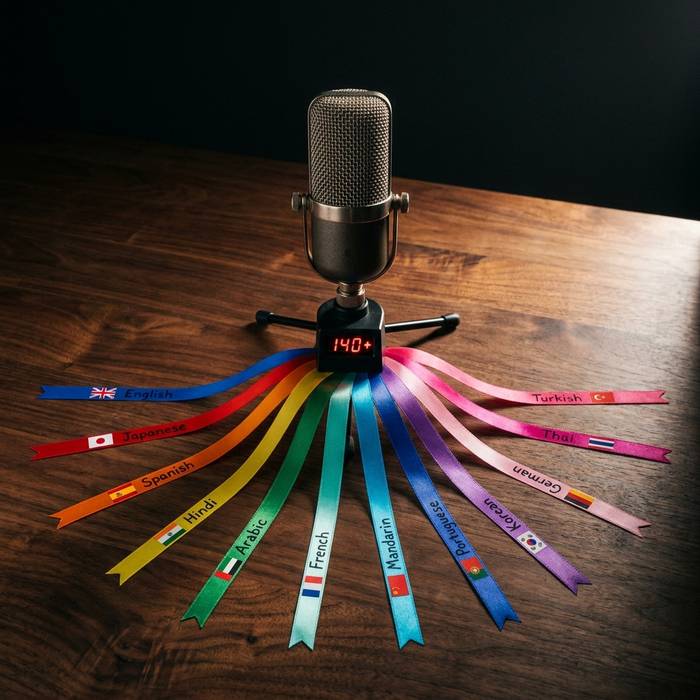
Voice cloning is probably the most interesting feature. Record five minutes of audio. KreadoAI builds a clone that they claim hits 99% accuracy on accent and tone. Then that cloned voice can speak any of the 140 languages through any avatar. Your CEO records five minutes in English. Now she "speaks" Mandarin, Arabic, Portuguese. Never recorded a word in any of them. The voice providers behind this are Microsoft Azure, ElevenLabs, Alibaba, and Google.
Character cloning goes further. Film a short video of yourself. KreadoAI turns it into a digital replica with lifelike ai avatars that capture your expressions. That digital avatar shows up in as many videos as you want, without you being on camera again. Instant clone (webcam) is quick and rough. Professional avatar clone (5-minute video sample) is more polished. The customization options let you adjust clothing, backgrounds, and settings for each scene.
| Feature | Details |
|---|---|
| Avatars | 1,000+ stock, custom cloning available |
| Voices | 40,000+ across 140 languages |
| Voice providers | Microsoft, ElevenLabs |
| Output resolution | 1080p+ |
| FPS | 25+ |
| Generation speed | Under 1 minute per video minute |
| Max scenes per video | 50 |
| Max video capacity | 500 minutes |
KreadoAI Pricing and the K-Coin System
KreadoAI uses a credit system called K-Coins. Every action on the platform costs a certain number of K-Coins: generating a video minute, using a premium avatar, activating voice cloning. The exchange rate between K-Coins and actual features is not always transparent, which is one of the most common complaints in user reviews.
Here are the subscription tiers (prices in USD equivalent, converted from GBP):
| Plan | Monthly | Annual (per month) | Video duration | K-Coins |
|---|---|---|---|---|
| Free | $0 | - | 3 min total | 180,000 (signup bonus) |
| Premium | ~$21/mo | ~$11/mo | 30-50 min | 10,800/year |
| Pro | ~$130/mo | ~$65/mo | 150-200 min | 50,400/year |
Additional standalone purchases:
- Voice clone: ~$200 (one-time)
- Avatar + voice clone bundle: ~$500 (one-time)
The free plan gives you 3 minutes of video creation and 10 minutes of text-to-speech, making it a usable free ai video generator for testing. That is enough to try the platform but not enough to produce anything meaningful. Free-tier videos carry a watermark. KreadoAI positions itself as a video creation platform with multilingual support that scales from individuals to enterprise teams.
The K-Coin system creates pricing opacity. You know how many K-Coins you get, but figuring out how many videos that translates to requires understanding the per-action costs, which vary by feature and quality level. Standard video generation costs roughly 10 K-Coins per minute. Premium avatars and voice cloning features cost more. This is the part where users consistently say KreadoAI needs to be clearer.
Enterprise pricing is available for teams needing custom avatar creation, API access, and high-volume production. KreadoAI reports that over 3,500 teams currently use the platform for scaling video production across markets. Enterprise clients include Viacom 18, Omnicom, and Volkswagen, which suggests the platform handles large-scale deployment. The API allows integration with existing content management systems and marketing automation workflows, though setting it up requires technical knowledge. KreadoAI has also added a virtual try-on feature for fashion and e-commerce brands, and a face swap tool that replaces faces in existing footage with avatar faces.
What KreadoAI Does Best and Where It Falls Short
The voice library is the standout. 40,000 voices. 140 languages. No other tool comes close on volume. Voice quality gets the highest marks in reviews. For e-commerce teams that need the same product pitch in Japanese, Spanish, Hindi, and French, this saves real money.
Avatars cover a wide range. Young, old, diverse ethnicities, business casual, lab coats, studio settings. Not perfect but good enough for marketplace listings and internal training.
Cost savings claim: 50% versus traditional production. For training videos that would need a studio, crew, and editor, that number is probably right. For high-end brand videos where every frame matters, the savings disappear because you end up needing post-production anyway.
Where it falls apart. The gestures repeat. You will notice the same head nod, the same hand wave, across different videos. Facial expressions are limited. These are clearly AI-generated, and for client-facing brand work with a sophisticated audience, that matters. A real person on camera still beats an avatar for trust and engagement.
URL-to-video sounds great on paper. Paste a link, get a video. In practice the AI pulls content and creates a draft that needs heavy editing. Pacing is off. Emphasis lands in the wrong place. Publishable quality requires human cleanup.
Voice cloning quality depends on your recording. Studio-grade audio with no background noise? Great results. Phone recording in a coffee shop? Mediocre at best. Garbage in, garbage out.
Customer support is slow. Multiple reviews cite 24-48 hour response times, which is a problem when you are on a deadline. There are no team collaboration features like shared workspaces, approval workflows, or multi-user editing. For enterprises with content approval processes, this is a gap.
Lip-sync quality varies by language. English and Mandarin work well. Less common languages sometimes produce visible mismatches between mouth movement and audio, especially at faster speaking speeds. The avatar gestures are also limited: you get a preset set of movements (nodding, hand waves, pointing) but you cannot choreograph specific gestures to match your script. If your script says "look at the chart on the right," the avatar will not actually look right unless you manually configure scene direction.
Another limitation: the AI-generated content does not support interactive elements. You cannot embed clickable links, quizzes, or branching paths into the video. For training teams that want interactive e-learning modules, this means KreadoAI handles the video layer but you still need an LMS or interactive video platform (like H5P or Synthesia's SCORM export) for interactivity.
KreadoAI vs HeyGen, Synthesia, and D-ID
The AI avatar video space has several strong players. Here is how KreadoAI compares.
| Feature | KreadoAI | HeyGen | Synthesia | D-ID |
|---|---|---|---|---|
| Avatars | 1,000+ | 1,000+ | 230+ | 100+ |
| Languages | 140+ | 175+ | 140+ | 120+ |
| Voices | 40,000+ | 300+ | 120+ | 100+ |
| Voice cloning | Yes | Yes | Yes | Limited |
| Custom avatar | Yes (video sample) | Yes (photo) | Yes (studio) | Yes (photo) |
| Lip-sync quality | Good | Very good | Very good | Good |
| Animation quality | Moderate | Good | Good | Moderate |
| Team collaboration | No | Yes | Yes | Limited |
| Starting price | ~$11/mo (annual) | $24/mo | $22/mo | $5.90/mo |
| Free tier | 3 min video | 1 min | None (demo only) | 5 min |
| Best for | Multilingual volume | Marketing | Corporate training | Quick clips |
KreadoAI's advantage is volume and voice diversity. 40,000 voices is roughly 100 times more than most competitors offer. If your use case involves generating hundreds of product videos across dozens of languages, that library is unmatched. The voice cloning feature, powered by Microsoft and ElevenLabs APIs, means a founder can record five minutes in English and then "speak" 140 languages through their digital clone. No other platform matches that voice count at this price point.
HeyGen leads on overall polish. Better animations, smoother lip-sync, stronger templates, real team collaboration with shared workspaces and approval workflows. If you need one or two high-quality marketing videos per week and care about the visual finish, HeyGen at $24 per month is the stronger choice. HeyGen also recently added interactive avatar features and streaming capabilities that KreadoAI lacks.
Synthesia dominates corporate training. 140 languages, studio-quality custom avatars, enterprise features like SSO and SCORM export for LMS platforms, and content approval workflows built for large organizations. Synthesia costs more ($22 per month for the starter plan, enterprise pricing goes much higher), but the integration with corporate systems justifies it for companies with hundreds or thousands of employees.
D-ID is the budget entry point at $5.90 per month. Quick, simple, decent quality for rapid prototyping and short clips. The avatar and voice library is smaller (100 avatars, 100 voices), and the customization depth is shallower. Good for testing the AI avatar concept. Less suitable for customer-facing content at scale.
One more comparison worth noting: for users who want cinematic AI video generation (not avatar talking heads), tools like PixVerse, Hailuo AI, and Runway Gen-4 are a better fit. Those generate footage from text prompts rather than placing an avatar in front of a background. Different category, different use case.
KreadoAI's market position is niche and specific. Interest peaked in May 2023 (when the tool launched) and has settled into a stable user base since then. The platform is strongest for individual creators, small marketing teams, and e-commerce sellers who need multilingual video at volume. It is not trying to replace Synthesia for Fortune 500 training departments or HeyGen for polished brand campaigns. It occupies the space where voice count, language coverage, and speed matter more than visual perfection.
The company is based in Xi'an, China, led by CEO Razer Luo (UC Berkeley background, also co-founded AdsGo.ai). No disclosed venture funding as of April 2026, which is unusual for this space. KreadoAI holds ISO/IEC dual certification for safety and ethics. Whether the lack of external funding means a lean and sustainable business or limited runway for competing with well-funded rivals like HeyGen ($60 million Series A) is an open question.
Real Use Cases for KreadoAI Video Creation
Volume, speed, and multilingual reach. That is what this tool is built for. Not cinema. Not Sundance submissions. Functional business video at scale.
E-commerce is the sweet spot. You sell on Amazon in 15 countries. Each listing needs a product explainer in the local language. Hiring 15 voice actors runs into the thousands. KreadoAI does all 15 from one script in a single afternoon. Good enough for marketplace listings. Good enough for paid social.
Training is the second big use case. HR rolls out compliance training across 20 offices in 20 countries. One avatar. One script. Twenty languages. Upload to the LMS and move on. Not exciting. But it solves a real problem that used to eat weeks of production time.
Course creators on Udemy and Coursera turn lecture notes into avatar-narrated lessons. Not as engaging as a real instructor on camera. But a lot cheaper and a lot faster.
Marketing localization. Launch video in English. Replicate it in Japanese, Spanish, Hindi, French. The avatar lip-syncs each language instead of showing subtitles. For global brands, that is a meaningful upgrade in how local audiences experience the content.
TikTok and Instagram creators use the UGC avatar feature to post talking-head content without being on camera themselves. Built-in editing handles trimming, transitions, and music. No need to export to Premiere for basic social clips.
Some context on why this all matters. Industry projections put the AI video generation market at $5.3 billion by 2025 (38.6% CAGR since 2020). Marketing research cited by KreadoAI says 95% of video messages get remembered versus 10% of text. Whether or not you trust those exact numbers, the direction is clear: video wins for engagement, and AI avatars make video accessible to teams without production budgets.