ECOM Transaction Meaning: How E-Commerce Payments Work
Spot "ECOM transaction" on a bank statement and it's easy to wonder what actually happened. You didn't swipe a card. There was no cashier. Yet money moved. That's the ecom transaction meaning in a nutshell: a purchase of goods and services completed online, with no physical card or terminal involved.
ECOM is shorthand for electronic commerce. Global e-commerce sales crossed $6 trillion in 2024 (Statista). That figure means online transactions now power a significant share of the world economy, not just a niche corner of retail.
What makes the mechanics worth understanding isn't curiosity. It's practical. How you set up payments, what you pay in fees, how well you're protected against fraud — all of it traces back to how ecom transactions actually work. This guide breaks down the transaction meaning, the step-by-step payment flow, available payment methods, and why crypto is shifting the economics of online selling.
What Is an E-Commerce Transaction?
An e-commerce transaction is a financial exchange where goods or services change hands over the internet — through a website, mobile app, or in-app purchase flow. Legally, Law Insider defines it as "a transaction initiated to purchase goods or services over the internet, including any such transactions initiated through a mobile device."
No physical card gets swiped. The buyer types in card details, authenticates a digital wallet, or sends crypto — all through a screen. Payment processors categorize this as a "card-not-present" (CNP) transaction, because the card itself isn't present, only the data. That one fact drives most of the differences in how online payments are processed, authenticated, and protected.
Buying a subscription, downloading an app, ordering takeout through a delivery platform — each of those is an e-commerce transaction.
ECOM vs POS: What's the Difference?
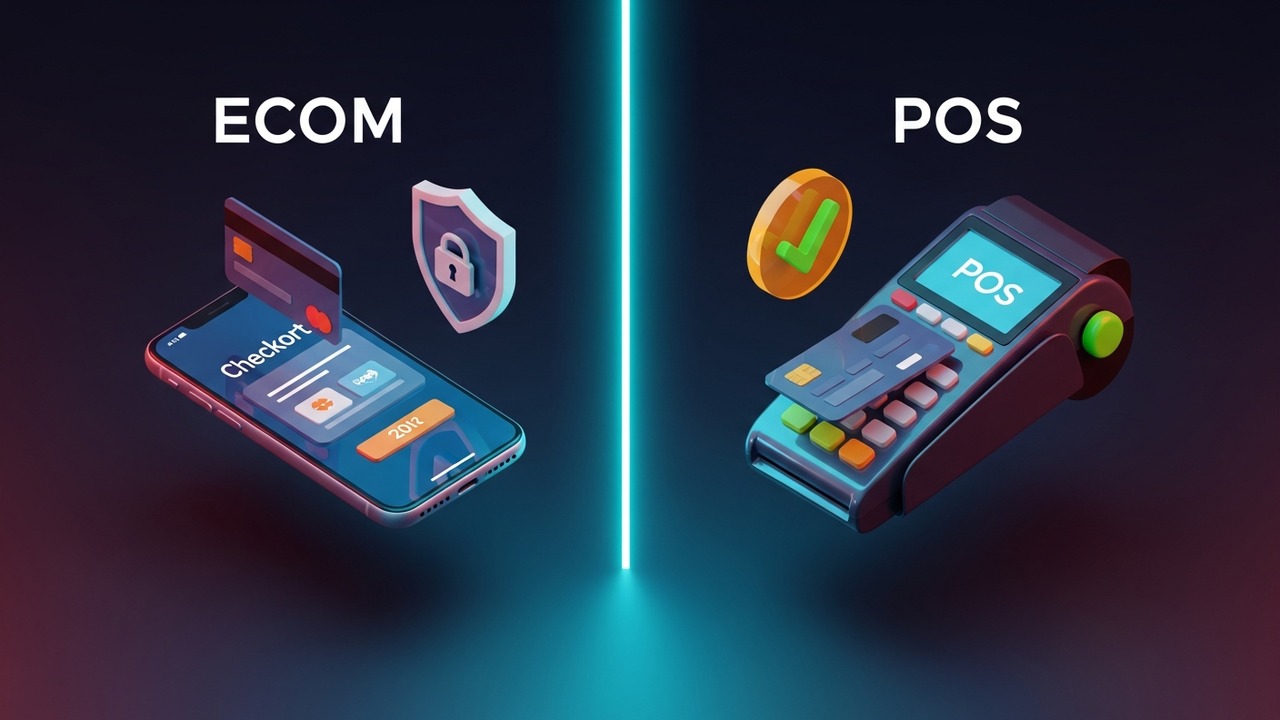
POS (Point of Sale) transactions require a physical card. You tap, swipe, or insert. ECOM transactions are remote. That physical absence of the card changes everything: the fraud profile, the authentication chain, and the settlement rules.
| Feature | ECOM Transaction | POS Transaction |
|---|---|---|
| Card present | No — card not present | Yes — physical card |
| Authentication | 3DS, OTP, biometric | PIN, signature, tap |
| Fraud risk | Higher (CNP fraud) | Lower |
| Chargebacks | More common | Less common |
| Settlement time | 1–3 business days | 1–2 business days |
| Initiated via | Website, app, mobile | Terminal, card reader |
CNP fraud — stolen card details used without the physical card — accounts for 73% of all card fraud globally (Nilson Report). Stricter authentication for ECOM transactions exists because of exactly that number.
How Do ECOM Transactions Work?
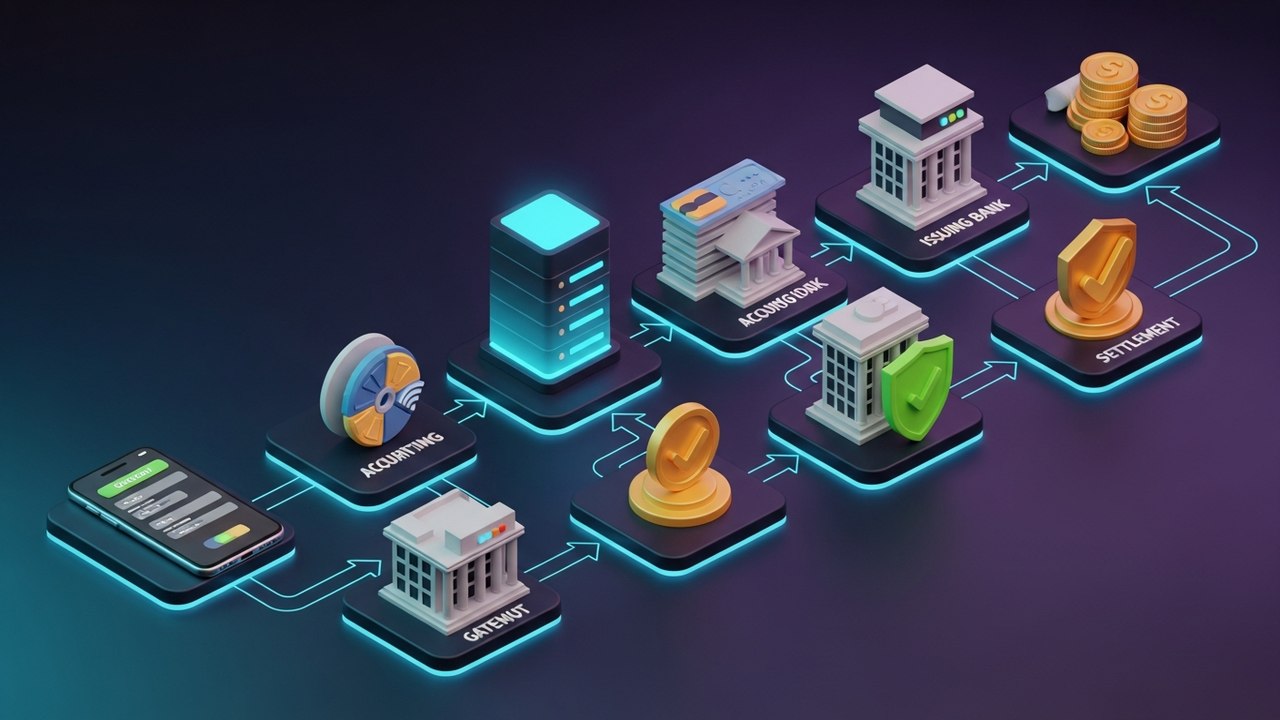
Authorization takes under two seconds. Behind those two seconds is a chain that touches four or five separate institutions. Here's what actually runs when a customer hits "Place Order":
- Customer reaches checkout. The page collects payment details: card number, expiry, CVV, or wallet login credentials.
- Payment data is encrypted and submitted. The payment gateway picks it up over an SSL/TLS connection and encrypts the data before forwarding it.
- Gateway routes the request to the acquiring bank. That's the merchant's bank. It receives the authorization request and acts on behalf of the store.
- Acquiring bank forwards to the card network. Visa, Mastercard, or another network routes the request between banks.
- Card network contacts the issuing bank. The customer's bank checks for available funds and runs its fraud detection.
- Issuing bank authenticates and responds. At this stage, a 3D Secure prompt may appear — a one-time password or biometric check. The bank returns an approval or decline.
- Authorization result reaches the merchant. The gateway relays the outcome. Approved means the order confirms; declined means the customer sees an error.
- Settlement happens later. The actual fund transfer occurs in a separate batch process, typically within 1–3 business days.
Authorization and settlement are not the same event. When a transaction is approved, the merchant has a funds guarantee — but the money hasn't moved yet. Settlement happens in an end-of-day batch run, which is why charges sometimes sit as "pending" before they post as final. That gap matters for cash flow planning if you're running a high-volume online store.
Types of E-Commerce Transactions
E-commerce isn't one thing. The term covers several business models, each with its own payment dynamics and risk profile.
- B2C (Business-to-Consumer) — Customer buys directly from a brand or retailer: an Amazon order, a Shopify storefront, an airline booking. Single transactions, typically low to mid value, with immediate fulfillment expected.
- B2B (Business-to-Business) — One company buys from another through an online channel: wholesale platforms, SaaS licenses, cloud infrastructure. Higher transaction values and often net-30 payment terms instead of instant card payments.
- C2C (Consumer-to-Consumer) — Individuals sell to each other via a marketplace (eBay, Poshmark, Facebook Marketplace). The platform processes the e-commerce transaction and distributes funds to the seller, sometimes after a dispute window.
- C2B (Consumer-to-Business) — Freelancers, creators, and influencers selling content or services to companies. Upwork and Patreon work this way.
- Subscription / recurring — A fixed charge runs automatically on a schedule. Netflix, software tools, membership communities. The sign-up is an e-commerce transaction; every renewal is an auto-billing event with no active customer input.
The transaction meaning shifts depending on the model. B2C transactions are one-time events initiated by a buyer. Subscriptions are scheduled authorizations the customer pre-approved. C2C marketplace payments sit in escrow until the buyer confirms receipt. High-volume B2C stores need fast checkout and low decline rates above all else; B2B platforms lean on invoice-based payment flows and net terms.
E-Commerce Payment Methods Explained
The payment method is how the customer authorizes the transaction. Each option carries a different fee structure, fraud exposure, and checkout experience.
- Credit and debit cards — Visa, Mastercard, Amex. The most universally accepted option, but the one with the highest fraud exposure in an online context. Processing fees typically run 1.5–3% per transaction.
- Digital wallets — PayPal, Apple Pay, Google Pay, Samsung Pay. Checkout is faster because customers don't re-enter card details each time. Lower cart abandonment and slightly reduced fraud risk through tokenization.
- Buy Now Pay Later (BNPL) — Klarna, Afterpay, Affirm. The BNPL provider pays the merchant in full upfront; the customer repays in installments. Popular with younger shoppers, though it adds reconciliation complexity on the merchant side.
- Bank transfers / ACH — Direct bank-to-bank payments. Lower fees than cards, but slower and less seamless in checkout. Primarily used for B2B e-commerce and large-value purchases.
- Cryptocurrency payments — Bitcoin, Ethereum, stablecoins, and other coins. No card network fees, no chargebacks, and no currency conversion friction on cross-border sales. Adoption is growing across both B2C and B2B segments.
Which mix makes sense depends on your customer base and geography. A store selling digital goods globally benefits from crypto — no conversion fees, near-instant settlement, zero chargeback risk. A domestic brand targeting mainstream consumers probably leads with card acceptance and adds BNPL to lift conversion on higher-ticket items.
What Makes an E-Commerce Transaction Secure?
Without a physical card, security depends entirely on software and protocol layers. Modern e-commerce payment security stacks several of these on top of each other:
- SSL/TLS encryption — All data between the customer's browser and the server travels encrypted. HTTPS in the URL isn't optional on a checkout page — it's the baseline.
- Tokenization — The payment system swaps the real card number for a random token. An intercepted token is worthless without the corresponding vault key.
- 3D Secure 2.0 (3DS2) — A real-time authentication check with the cardholder's bank, triggered at checkout. The customer confirms via OTP, biometric, or banking app. In markets where 3DS2 is widely adopted, card-not-present fraud dropped by up to 40% (industry data).
- PCI DSS compliance — The Payment Card Industry Data Security Standard governs how card data gets stored and transmitted. Most merchants don't handle this directly; their payment gateway does it for them.
- Anti-fraud scoring — Machine learning systems flag suspicious patterns: rapid card-testing attempts from a single IP, mismatched billing and shipping addresses, orders from unusual locations.
- Two-factor authentication at checkout — An extra step that blocks stolen credentials before the transaction goes through.
Chargebacks are where this gets expensive. A chargeback doesn't just reverse a sale — there's a dispute fee on top, typically $15–$100 per case. If your chargeback rate climbs past 1%, most payment processors will flag your account. Some will terminate it. A gateway that supports 3DS2 and has solid fraud scoring isn't a nice-to-have; it's what keeps your processing account in good standing.
Crypto Payments and E-Commerce Transactions
Cryptocurrency has moved well past "fringe payment method" status. More e-commerce businesses are adding it to their payment stack, and the reasons are straightforward.
No chargebacks. A crypto transaction is irreversible by protocol design. There's no bank for a buyer to call and dispute the charge with, no friendly fraud, no chargeback fee for the merchant. For digital goods, software licenses, or any category where chargeback abuse is a real problem, that single fact changes the risk calculus.
Cross-border payments stop being complicated. A buyer in Brazil sends Bitcoin to a seller in Germany without either side touching currency exchange rates or international card fees. The payment is the same whether it crosses one border or ten.
Fees are lower. Card networks charge merchants 1.5–3% per transaction. Crypto gateways typically sit well below that — some at 0.5% or less. On high-volume stores, that margin difference is substantial. Settlement is also faster. Card settlements take 1–3 business days to post. Crypto settlements can clear in minutes.
In terms of the actual transaction flow, crypto fits into the standard checkout: the customer picks "pay with crypto," a payment gateway generates an invoice with a wallet address and amount, and the customer sends the funds. The gateway confirms receipt and notifies the merchant. Stores that don't want to hold volatile assets can use a gateway that auto-converts at the time of payment.
If you want to understand the practical setup, see this guide on how to start accepting crypto payments. For the broader e-commerce angle, crypto payment strategy for e-commerce covers how to position it alongside existing card processing.
How to Choose an E-Commerce Payment Gateway
The payment gateway is the infrastructure between your store and the banking network. It affects your processing fees, the payment methods you can offer, how well you're protected from fraud, and how fast funds reach your account.
Key criteria to evaluate:
| Criterion | What to look for |
|---|---|
| Processing fees | Transaction %, monthly fees, chargeback fees |
| Supported payment methods | Cards, wallets, crypto, BNPL |
| Fraud protection | 3DS2 support, built-in fraud scoring |
| Integrations | Shopify, WooCommerce, Magento, API access |
| Settlement speed | How quickly funds reach your account |
| Multi-currency support | Especially important for cross-border stores |
| Chargeback handling | Dispute tools, chargeback rate limits |
Traditional card-based gateways cover the full card stack well. But they have no native crypto support and charge standard card rates across the board. Crypto-native gateways add coin acceptance and come with lower base fees — a practical advantage for digital goods sellers or any e-commerce business with significant cross-border volume.
The Plisio blog has a detailed guide on finding the best cryptocurrency payment gateway if you want a more structured comparison. Adding a crypto gateway alongside a card processor is typically the lowest-friction path for an existing e-commerce business — you're not replacing anything, just expanding what customers can use at checkout.
Every ecom transaction runs the same path: customer submits payment, gateway encrypts and routes it, banks authorize it, settlement follows in a batch window. The whole authorization chain takes under two seconds. Understanding where your money goes — and where fraud risk lives — helps you make better decisions about how to structure your own payment setup.
For e-commerce businesses that want lower fees and fewer chargeback headaches, Plisio handles crypto acceptance end-to-end: multi-coin support, automatic fiat conversion, and invoicing built in.