Burner Mail Explained: Burner Email vs Disposable Email
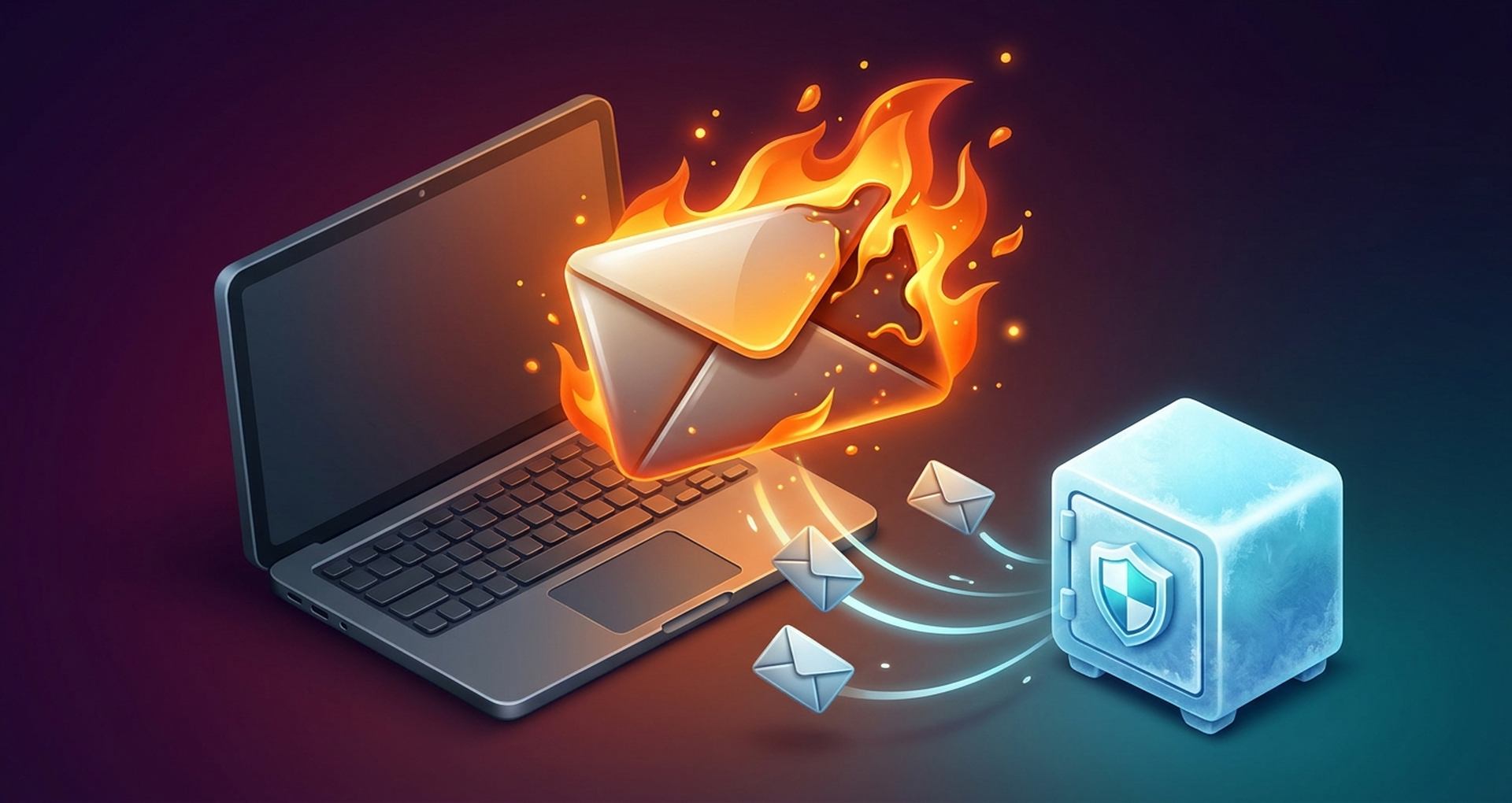
Every signup form wants your email. The coupon pop-up does, so does the whitepaper download, the free trial, and that airdrop checklist somebody posted on X. Give out your real address enough times and sooner or later one of those companies leaks it or sells it. Or it just never stops mailing you.
Burnermail is a fix for exactly that. You get a separate burner email for every site you sign up on, and burnermail.io quietly passes the messages on to your real inbox. Site gets noisy? Site gets hacked? You switch off that one address and forget it existed.
I'll go through how Burner Mail actually works, what it costs, how it differs from temp mail and alias services, why crypto people should care more than most, and the handful of accounts where a throwaway address will bite you.
What Is Burner Mail and Who Is It For?
Think of Burner Mail as a mail forwarder, not a mailbox. There's no second inbox to log into. You make as many stand-in addresses as you like, and whatever lands on them shows up in the email account you already have (Gmail, Outlook, Proton, your work domain, doesn't matter).
So it isn't the classic disposable email address you might remember, the public inbox that self-destructs after ten minutes. A Burner Mail address hangs around until you kill it. That's why it works for accounts you'll actually come back to.
Who's it for? Pretty much anyone tired of their inbox, but some people get way more out of it than others:
- Online shoppers. You want the order confirmation. You don't want promo blasts until the end of time.
- Free trial users, especially if you test a lot of software and hate the sales follow-ups
- Devs and QA folks who burn through dozens of working addresses testing signup flows
- Newsletter hoarders (subscribe to everything, unsubscribe by just killing the address)
- Crypto traders and researchers. Tools, forums and project sites in this space get breached constantly.
Small naming thing. "Burner mail" with capitals is the product. "Burner email" is just the general idea, an address you can bin without touching your main email. Then there's a totally separate Chrome Web Store extension called Burner Emails, which, yes, confuses everyone. Here I mean burnermail.io.
How a Burner Email Address Forwards to Your Real Inbox
Every burner email address you create is the website's name glued to a random string. Sign up at a shoe shop and you get something like [email protected]. Handy, because months later you can still tell who you gave it to.
A message then goes through roughly this path:
- A website sends an email to your burner address.
- Burner Mail's servers receive it and check it against spam filters.
- Clean mail is forwarded to your real inbox within seconds.
- Suspicious mail goes into quarantine instead, and you get a notification.
- If you reply, the reply goes out through Burner Mail, and the recipient sees only the burner address as the sender.
Step five is the one people underrate. Loads of cheap throwaway tools let you receive emails and that's it, so the moment a seller asks "can you confirm your order?" you're stuck. Here you just hit reply. Your personal email address never leaves the building.
Killing an address works two ways. Disable it and forwarding stops, but you can switch it back on whenever. Delete it and it's gone for good, no undo. Anything caught in quarantine sits there encrypted for 14 days and then gets wiped automatically.
There's a nice side effect too. Since every burner belongs to one site, leaks point straight back at whoever lost your data. Say an alias you only ever gave one crypto newsletter suddenly starts getting "URGENT: verify your wallet" mail. Figuring out who got breached takes about two seconds.

Burner Mail Features, Plans and Browser Extensions
You'll mostly live in the browser extension. There's one for Chrome (in the Chrome Web Store) and one for Firefox. Install it and a tiny burner button shows up in email fields wherever you go, signup forms, checkouts, those newsletter boxes at the bottom of every blog. One click and it'll generate a fresh alias and drop it in.
Your email provider doesn't matter at all. All it does is forward emails to whatever address you gave it. The rest happens in a web dashboard where you rename stuff, block a sender, fish mail out of quarantine or pause forwarding.
Pricing is a bit murky, so look before you pay. Burner Mail's own FAQ says flat out that it "cannot be a free service" and nudges you toward a paid membership. Third-party listings at the time of writing mention a small free burner tier and premium from around $2.99 a month.
| Feature | Free tier (per third-party listings) | Premium |
|---|---|---|
| Active burner addresses | Limited (about 5) | Unlimited |
| Browser extension (Chrome, Firefox) | Yes | Yes |
| Reply from burner address | Yes | Yes |
| Spam quarantine | Yes | Yes |
| Block individual senders | Yes | Yes |
| Custom domain | No | Yes |
| Forward to multiple recipients | No | Yes |
No Safari extension, by the way. Annoying if you're on a Mac. You can still manage everything from the website on your phone.
How to Create and Use a Burner Email in Five Steps
Setting up your first burner email takes a few minutes. The process looks like this:
- Create an account at burnermail.io using the email address you want messages forwarded to. This is the only place your real inbox is recorded.
- Install the extension for Chrome or Firefox and log in.
- Open any signup form. When you click into the email field, the burner icon appears. Press it to generate a fresh alias for that site.
- Finish the signup as usual. Verification links, receipts, and newsletters will reach you just like normal mail.
- Review your dashboard now and then. Disable aliases that turned noisy, delete ones you'll never need again, and note any address that started receiving mail from strangers.
Keep it to one address per site. Don't share them. Reusing a single burner address across ten services brings back the exact problem you were trying to solve, because one breach exposes all ten accounts to the same phishing list.
If you want to use burner emails for things you'll keep, such as a forum account or a long-running subscription, label it clearly. Future you, staring at forty addresses, will appreciate it.
Burner Email vs Temp Mail vs Email Alias Services
Ask three people what a "burner email" is and you'll get three answers. They're all sort of right.
First up, temp mail. 10MinuteMail, Guerrilla Mail, Maildrop, Mailinator, that crowd. Open the page and a random email inbox is just sitting there, no account. It's a temporary email in the most literal sense, gone in minutes or a few hours. And on some of these sites anyone who types the same inbox name reads the same mail as you (people forget this). Fine for one download link, but not much else.
Then you've got forwarders. Burner Mail lives here, alongside SimpleLogin, addy.io and Firefox Relay. The addresses don't expire, mail lands with you, replies work, and nobody on the other end sees your real address.
And the Gmail plus trick, [email protected]. Good for filters! Not so good for privacy, since spammers just chop off everything after the plus and there's your real address.
| Option | Lifespan | Can reply | Hides real address | Good for verification codes | Typical cost |
|---|---|---|---|---|---|
| Temp mail | Minutes to hours | Rarely | Yes, but inbox may be public | One-time only | Free |
| Burner Mail | Until you delete it | Yes | Yes | Yes, ongoing | Free tier, paid premium |
| Other alias services | Until you delete it | Yes | Yes | Yes, ongoing | Free tiers, paid plans |
| Gmail plus addressing | Permanent | Yes | No | Yes | Free |
Roughly: if you'll never open it twice, temp mail. If there's any chance you come back, a forwarding address.
Why Crypto Users Need a Burner Email Address
Crypto has a weird email problem. Everything starts with a signup. Exchanges want your address. So do portfolio trackers, tax tools, airdrop campaigns, NFT allowlists and research dashboards, plus every project newsletter. A lot of them are five-person teams with roughly zero security budget.
And when their lists leak you don't just get spam. Somebody gets a ready-made list of people who almost certainly own coins.
Ledger is the case everyone remembers. Back in 2020 a database from the hardware wallet maker's marketing and shop systems got out: around a million email addresses, and for roughly 272,000 people also names, phone numbers and home addresses.
What followed was months of fake "security update" emails asking for recovery phrases. Some customers got extortion threats at their front doors. Nobody hacked the wallets themselves. They didn't need to.
A burner email address won't stop a breach. What it does is take some of the sting out:
- Phishing gets obvious. A "wallet alert" landing on the alias you only used for some airdrop? Fake. Your exchange has never heard of that address.
- You find out who leaked. And you can quietly stop trusting that project.
- Cleanup takes one click. Switch the address off, phishing stops arriving.
- Your main email stays off crypto lists, which makes it a lot harder for someone to connect your socials, your exchange account and where you live.
One rule you shouldn't bend, though. An exchange account with actual money in it does not go on a throwaway alias you might delete next spring. You'll want that address for withdrawal confirmations, 2FA resets, recovery, sometimes years down the line.
Give those accounts a permanent alias you'll never touch, or a separate locked-down mailbox with proper 2FA. Real burners are for airdrops, newsletters, random research tools, anything you wouldn't miss.
Is Burner Mail Safe? Privacy, Limits and Risks
On paper, the setup is decent. Burner Mail's own documentation says it:
- uses TLS encryption for mail in transit and SPF and DKIM for authentication
- stores account data encrypted on Amazon Web Services infrastructure
- doesn't access your actual inbox or email account
- doesn't normally keep messages after they're forwarded
- says it doesn't sell or share user data
I'd still read the privacy policy, though. It's an American company, and it does log account details, delivery records and usage data, and it runs analytics on the site.
You can't check any of this yourself because the code is closed. Mail can also hang around for a bit in delivery queues or quarantine. A few reviewers grumble about support emails going unanswered or bouncing, which isn't great.
Then the boring-but-real risk. If the company folds, every address it ever gave you stops working that same day. Keep anything critical somewhere else.
Legal? Yep. Protecting your privacy with a burner email is fine pretty much everywhere.
Fraud, ban dodging, farming free trials, that's a different story, anywhere from a ToS violation to an actual crime. Also, some sites keep blocklists of disposable domains and will just refuse your alias. Happens now and then.
When You Should Not Use a Disposable Email Address
A disposable email address is a privacy tool, not a universal replacement for your real one. Skip it for:
- Banking and payment accounts, where identity checks and recovery depend on a stable address
- Crypto exchanges that hold your funds, for the recovery reasons above
- Government and tax services, which may need to reach you for years
- Domain registrars and hosting, since losing the contact email can mean losing the domain
- Password managers and primary cloud accounts, which are the master keys to everything else
- Medical, legal, or employment communication, where missing one message has real consequences
Also be careful with anything that sends one-time passwords. Verification codes work fine on a forwarding alias, but on public temp mail, anyone who opens the same inbox can read them.
A decent rule of thumb: if losing access to this account would cost you money or serious time, use your primary email or a permanent, well-protected alias.
Burner Mail Alternatives for Long-Term Email Privacy
Burner Mail has plenty of competition. Most rivals forward mail the same way and differ on price, openness, and which browser or phone they live in.
| Service | Type | Free tier | What stands out |
|---|---|---|---|
| SimpleLogin | Alias forwarding | Yes, limited aliases | Owned by Proton, open source, mobile apps |
| addy.io | Alias forwarding | Yes | Open source, generous free plan, custom domains on paid tiers |
| Firefox Relay | Alias forwarding | Yes, limited masks | Built into Firefox, run by Mozilla |
| Apple Hide My Email | Alias forwarding | Requires iCloud+ | Native on iPhone, iPad, and Mac, including Safari |
| DuckDuckGo Email Protection | Alias forwarding | Free | Strips email trackers, random email aliases on @duck.com |
| Temp mail sites | Public temporary inbox | Free | Zero signup, best for one-off downloads |
Want code you can actually read? addy.io and SimpleLogin. Already paying for iCloud+? Hide My Email is sitting in your settings. And if what you like is the one-click burner button in Chrome with a neat alias per site, Burner Mail does that well enough.
Honestly the tool matters less than the habit. Fewer companies holding your main email address means fewer leaks with your name on them.
Accepting Crypto Without Collecting Your Real Email
Now look at it from the shop's side. Privacy-minded customers, and crypto buyers more than anyone, often check out with a burner address. Don't treat it as fraud. Mostly it just means they'd like to hand over as little as they can.
So ask for what you need and stop there: somewhere to send the receipt and, if you're shipping a physical thing, a delivery address. Each extra form field is one more thing sitting in a database waiting to leak.
How people pay plays into it as well. Cards drag along names, billing addresses, bank details. With a crypto payment gateway like Plisio, a store can take Bitcoin, Ethereum, USDT and plenty of other coins while collecting far less personal data, which happens to suit the exact crowd that reaches for a burner email anyway.
Burnermail won't make you anonymous, and neither will any of its rivals. What they do is shrink the trail. One address per site, your real one only where recovery matters, and switch off anything that starts getting noisy.