Turbo AI Notetaker Review: Quiz, Flashcards & Cost
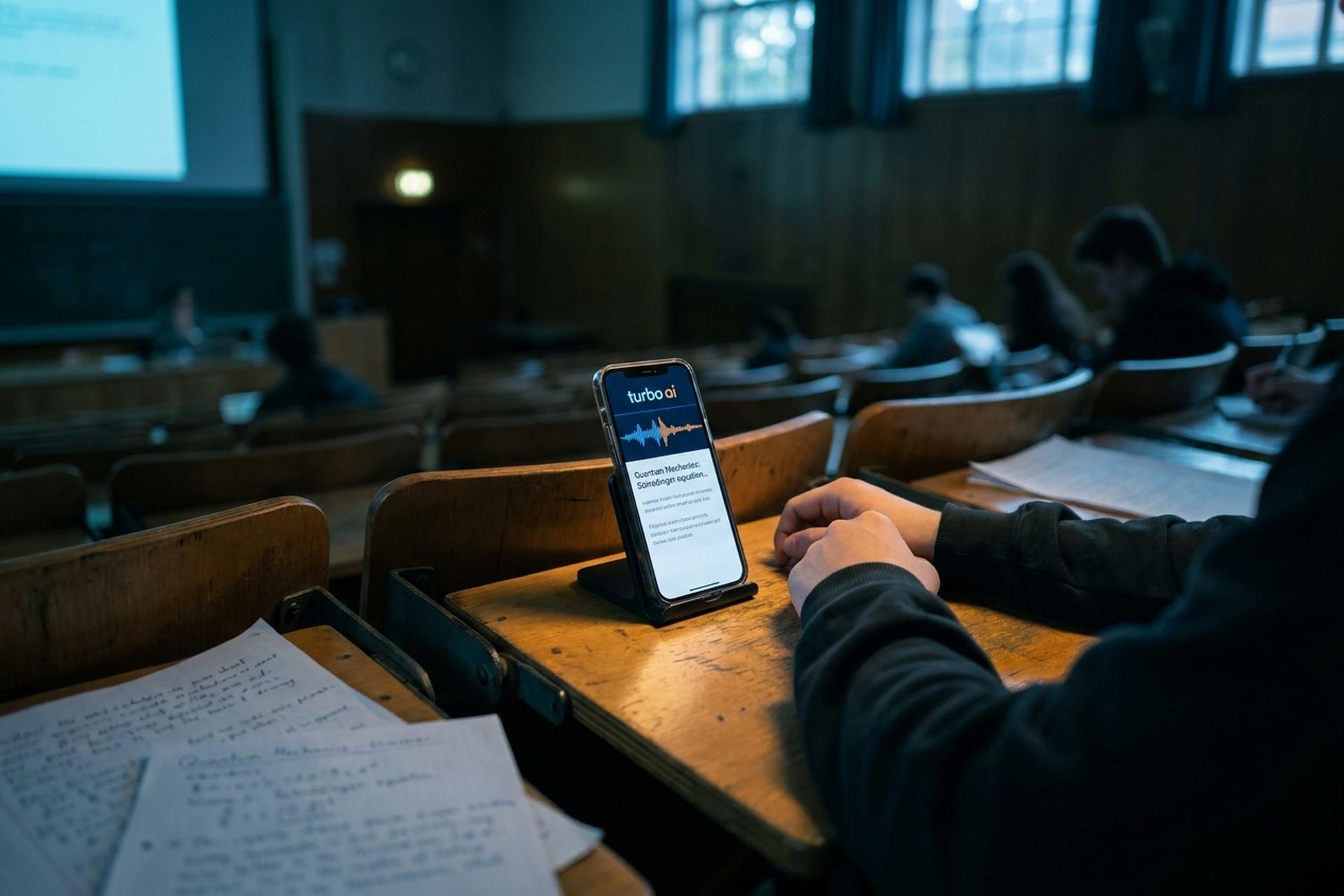
Two college dropouts built an AI notetaker, and inside two years roughly five million people were using it. The app is Turbo AI. The question most students and professionals actually care about is plainer than the hype suggests: does it work, and what does it cost? By late 2025 the platform was pulling in around 20,000 new users a day, according to TechCrunch. Numbers like that turn heads. They say nothing about whether the notes are any good.
So this review digs into what Turbo AI actually does, where it helps, where it quietly falls apart, and whether the paid plan earns its price. I ran the free tier myself. I also read through what people reported after pushing it far past any tidy marketing demo.
What Is Turbo AI and Who Built It
Strip away the marketing and Turbo AI is a notetaker and study app. The pitch fits in a sentence: feed it a lecture, a PDF, or a video, and you get back structured notes, a quiz, flashcards, and a summary. The name is the confusing part. It launched as TurboLearn AI, then switched to Turbo AI in late September 2025. Same app, new label. Search either spelling and you land on the same product, which is also why the App Store listing still credits TurboLearn AI as the developer.
The team behind turbo.ai is tiny, and that's the part I keep coming back to. Two founders, Rudy Arora and Sarthak Dhawan, both university dropouts, working out of Los Angeles with maybe 15 people. By late 2025 they had reportedly crossed eight-figure annual recurring revenue, somewhere near $21 million, almost all of it from subscriptions instead of venture cash. Two years, from nothing to that. "Fast" undersells it.
Here's the platform at a glance, pulled from the company's own figures and public reporting.
| Metric | Figure | As of |
|---|---|---|
| Active users | 5 million+ | Oct 2025 |
| New users per day | ~20,000 | Oct 2025 |
| Notes generated | 15 million+ | Oct 2025 |
| Flashcards created | 350 million+ | Oct 2025 |
| iOS App Store rating | 4.8 / 5 (32,000 ratings) | 2026 |
What surprised me was the focus. This is not a meeting-notes tool that students happen to use on the side. It is built for one thing, exam prep, and nearly every feature loops back to it. The rebrand from TurboLearn AI was half cosmetic, half strategic, a nudge to get professionals, not just students, to treat it as a serious notetaker instead of a niche study gadget.
How Turbo AI Turns Lectures Into Notes
The core loop never really changes, lecture hall or desk: capture something, let the AI chew on it, read what comes back. Setup runs under a minute. The app syncs across web and mobile, so your workspace follows you around.
Recording lectures and uploading files
You can record audio live in the app. And because it grabs device-level sound instead of hooking into one meeting platform, a lecture, a Zoom call, or a podcast playing in the background all work the same way. Already have files? Upload those instead. There's a cap on batch uploads, though, usually around five at once on the free tier, which stings if you're trying to clear a whole semester in one sitting.
PDFs, YouTube videos, and pasted text
It isn't limited to your own voice, either. Upload a PDF textbook, paste in a block of text, or drop in a YouTube link, and it transcribes and processes the lot the same way. For a lot of students that's the real draw. Turning a dense PDF chapter or a two-hour video lecture into something searchable beats recording class in the first place.
What the AI-generated notes look like
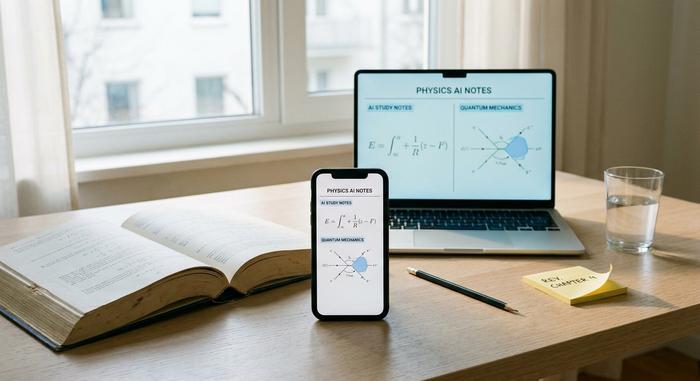
This is the part Turbo AI nails most often. Notes come back formatted with headings, and they survive the stuff plain transcription usually mangles. Diagrams, equations, tables, all of it renders cleanly, which is what makes the app actually work for STEM material. There's a short summary up top, too. The company says it has generated north of 15 million sets of notes across the platform, so the formatting model has had no shortage of practice.
The boring details matter more than they sound. You can drop notes into folders by class or project, and the whole library is searchable, the kind of small thing that decides whether you still open an app in week two. Everything stays in sync in real time, so a recording grabbed on a phone is ready to edit on a laptop minutes later.
Quiz, Flashcards, and Podcast Study Tools
Here is where Turbo AI pulls away from meeting-first rivals like Otter.ai. A transcript is just a record. Turbo AI's study tools try to turn that record into something you can actually revise from, and that active-recall layer is why students reach for it.
Auto-generated quizzes and flashcards
Point it at any set of notes and it builds a quiz and a flashcard deck on its own. The company says it has created more than 350 million flashcards across its users. That number alone tells you where the product's heart is. Out of the box, the flashcards are fine. Feed the AI a custom prompt about what to focus on and they get sharper fast. The quiz is the weaker twin: quick to spit out, but only as good as the transcript under it, so a sloppy recording breeds a sloppy quiz.
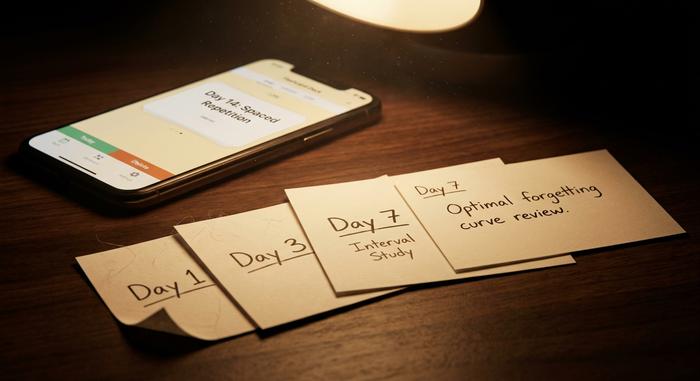
A few built-in study modes round it out, and the flashcards lean on spaced repetition, the well-worn idea that you remember more by reviewing at widening intervals instead of cramming. Sound principle. It's also the feature that most earns Turbo AI the label of a real learning tool rather than a plain transcription service. Progress tracking sits on top, so you can see which decks you've drilled and which ones you keep dodging.
Turning notes into podcasts
Turbo AI can also turn your notes into AI-generated podcasts, short audio rundowns for the commute. Clever idea. A few reviewers like it for passive review. I'd still call it the weakest study tool here. The narration is functional, not engaging, and for most people it's a novelty they try once and forget.
Chatting with your notes
The last layer is a chatbot bolted onto each document. Ask it something about your notes and it answers from that material, which helps when you half-remember a concept and don't fancy rereading ten pages to find it. Think of it as a lookup tool, not a tutor that explains things from scratch.
Where Turbo AI Falls Short on Accuracy
Now the part the marketing skips. Turbo AI sells near-perfect transcription. That 99% figure? A company claim, with no independent benchmark behind it. Real use is messier.
The sharpest example comes from a hands-on test by the team at tldv.io. They recorded a Russian-only session and got back hallucinated snippets of Hebrew, Korean, and Polish. None of it was spoken. There's also no speaker separation at all. Record a seminar with three people and Turbo AI blends them into one wall of text, which leaves the transcript close to useless for anything conversational. Fast or overlapping speech only makes it worse.
So here's the honest read. Turbo AI is reliable on clean, single-speaker audio and structured documents. It gets shaky the moment the input turns messy. Treat its transcripts as a study aid, not a source of truth. Multilingual depth isn't really there either, so non-English recordings are a gamble.
There's a quieter issue too: consent. Because the app records device-level audio, it's easy to capture a class or a meeting without telling anyone, and recording laws vary by country and even by US state. That's on you, not the app, but it's worth a thought before you hit record in a room full of people. Uploading copyrighted lecture slides or a paid textbook PDF sits in a similar gray zone.
Then there's billing. Free-plan limits stay hidden until you hit them, the upgrade prompt can pop up mid-task, and a handful of users have reported charges they didn't see coming. It's not a scam. But read the subscription terms before you record anything important, and cancel through the app store if the free tier turns out to be enough.
Turbo AI Pricing: Free Plan vs Premium
This is the question everyone asks first, so let's be specific. Turbo AI is freemium. The free plan lets you sample the core features, then caps you fast, often after about two recordings, before nudging you to upgrade. Pay, and the limits on uploads, transcriptions, and quizzes drop away.
| Plan | Price (2026) | What you get |
|---|---|---|
| Free | $0 | Core features, around 2 recordings, limited uploads, no extended trial |
| Premium (annual) | about $9.99/month, billed yearly (~$119.99/yr) | Unlimited recordings, uploads, quizzes, flashcards |
| Premium (monthly) | about $19.99/month | Same as annual, no yearly commitment |
A caveat on those numbers. Pricing shifts between sources and promotions, and I couldn't independently confirm the live pricing page for this review. Some listings put the entry price closer to $8.99 a month. The figures above match the App Store and recent hands-on reviews as of 2026. Still, check the rate inside the app before you commit. Edtech subscriptions change on a whim.
Turbo AI vs Other AI Study Tools
Turbo AI isn't the only game in town, and it isn't right for everyone. The broader AI note-taking market was worth about $623.5 million in 2025 and is projected near $740.4 million in 2026, growing at roughly 19% a year according to Precedence Research. Plenty of competition, in other words. Here is how the main alternatives stack up for studying.
| Tool | Best for | Cost | Catch |
|---|---|---|---|
| Turbo AI | Student active recall (quiz, flashcards) | Free + about $9.99/mo | Weak on multi-speaker audio |
| Google NotebookLM | Source-grounded research notes | Free | No spaced-repetition study mode |
| Otter.ai | Meeting transcription with speakers | Free + paid | Built for meetings, not exams |
| Quizlet | Manual flashcards and study sets | Free + paid | You build the decks yourself |
Short version. Want lecture material turned into quizzes and flashcards? Turbo AI is one of the strongest learning tools in the niche. Need clean multi-speaker transcripts? Otter does that better. Watching your budget? NotebookLM is free and surprisingly capable, though it won't drill you with flashcards.
That market is growing for a reason. Education was the first use case, but the company now says its notetaker runs inside firms like Harvard, MIT, and a string of Fortune 500 companies, exactly the professional pivot the rebrand aimed at. For students and professionals alike, the draw is the same: less retyping, more reviewing. So is the risk. A tool that summarizes for you can quietly turn into a tool that thinks for you, if you stop checking its work.
Getting Started With Turbo AI Today
Getting going is fast. Grab the app (iOS 16.4 or later) or just open it in a browser. Record or upload your first file, and notes, a quiz, and a flashcard deck land almost right away. Because it all syncs, you can record a lecture on your phone and revise those lecture notes on a laptop the same night.
Who actually gets value here? Mostly students grinding through structured, exam-heavy material. Professionals too, if their recordings are clean. Who should walk away? Anyone who needs faithful transcripts of messy, multi-speaker conversations, because that part Turbo AI handles badly.
The Verdict: Is Turbo AI Worth It?
Turbo AI earns most of its reputation honestly. For turning a single-speaker lecture or a PDF into well-organized notes, quizzes, and flashcards, it's genuinely good, and the active-recall focus makes it more useful for actual studying than most general notetakers. The accuracy problems on messy audio are real, though, and the paywall arrives faster than the free plan lets on.
My take: the free tier is worth trying for anyone studying from structured material, and the Turbo AI premium plan pays off only if you're a heavy user uploading content every week. Just don't trust it blindly with audio that matters. Test it on one week of your own coursework, then decide whether the notes save you more time than they cost you in double-checking.