DNS Leak Test: How to Check for DNS Leaks and Fix Them
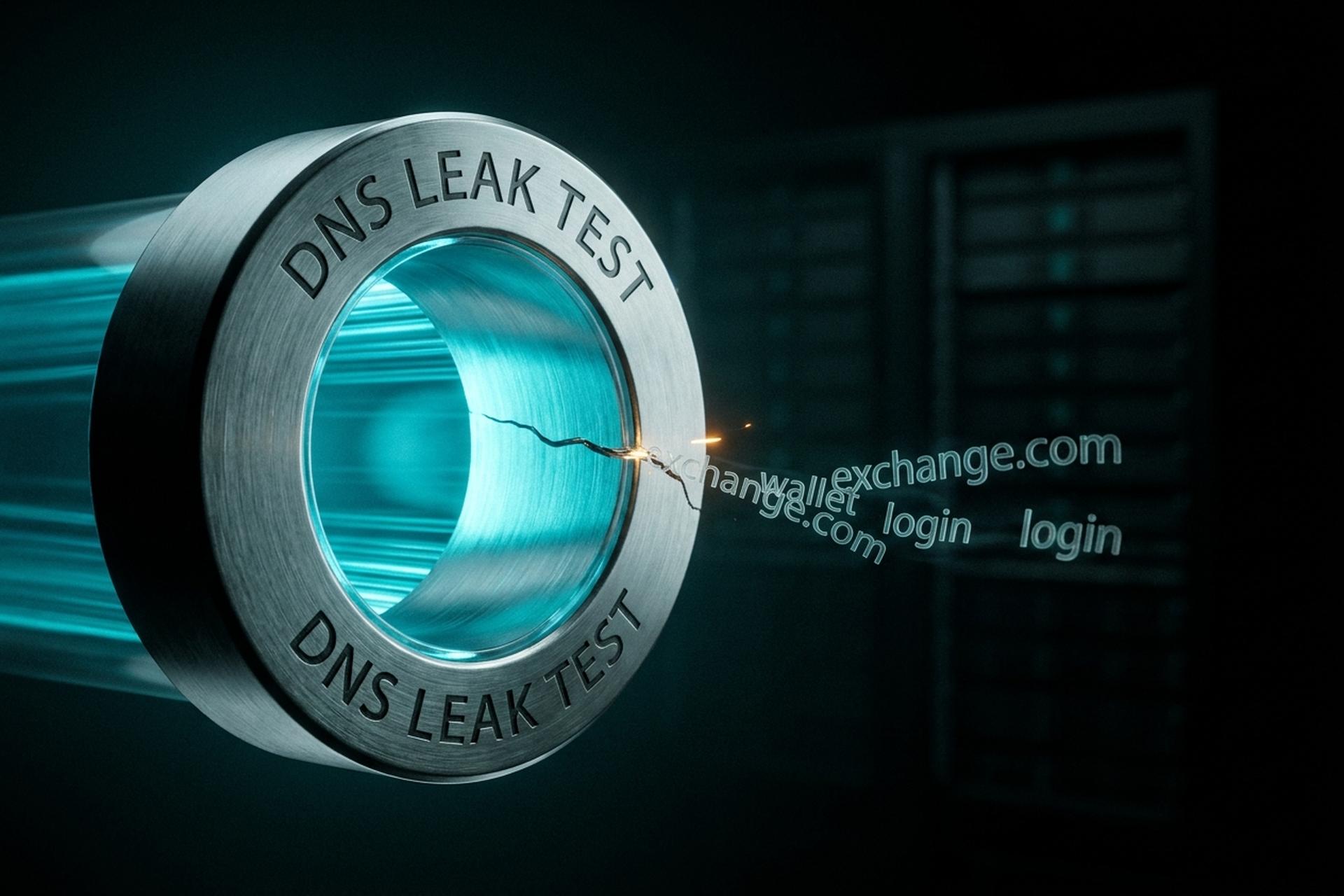
Your VPN can show a clean IP in another country while quietly handing your internet provider a list of every site you opened. That gap has a name: a DNS leak. The padlock looks closed, the traffic looks private, and yet the lookups that turn a domain name into an address slip out the side door in plaintext. A quick DNS leak test is the only way to know whether it is happening to you, and most people who run one for the first time are surprised by what they find.
This guide explains what a DNS leak is, how to check for DNS leaks in about thirty seconds, how to fix the cause behind the result, and why the stakes are higher if you hold crypto. That last part is something almost no other guide bothers to spell out.
What is a DNS leak and what leaks out
Think of the Domain Name System as the internet's phonebook. You type a domain name, your device fires off a small DNS request, and a DNS server hands back the matching IP address. Simple enough. The leak happens when that lookup wanders off the path it should take. Instead of riding your encrypted VPN tunnel to the VPN's own resolver, the query slips out to your ISP's DNS server, usually in plain text.
Nothing gets "stolen" in the movie sense. What leaks is metadata: the ordered list of sites you tried to visit, stitched to your real IP address. That is plenty. Using DNS this way, your ISP never has to read a single byte of your actual traffic to know you opened a particular exchange, a wallet service, or some news page at 11:47 on a Tuesday. Every time you visit a website, the lookup has to resolve somewhere, and somewhere is the problem. Here is the uncomfortable part: leaking is closer to the web's default setting than to a rare glitch. As of February 2026, about 86.6% of DNS queries worldwide still cross the network as plain, unencrypted UDP, according to Cloudflare Radar. Encrypted DNS is the exception, not the rule.
How a DNS leak happens: IPv6, WebRTC, routers
Most leaks are not clever attacks. They are ordinary operating-system behavior that the VPN never fully overrode. Three causes account for the large majority of failed tests.
IPv6 and the leak your VPN forgot
This is the quiet champion of DNS leaks. Plenty of VPNs were built to tunnel IPv4 and treat IPv6 as someone else's problem. So if your operating system has IPv6 switched on and the VPN only grabs IPv4, those IPv6 DNS queries walk right out the tunnel. Not a hypothetical, either. A peer-reviewed 2025 study by Cho and Heidemann at ACM IMC caught 12 commercial VPNs leaking IPv6 traffic for somewhere between 5% and 57% of their IPv4-only users, published in their IMC 2025 paper. Years of "IPv6 leak protection" on the box, and the leak is still sitting there in the data.
Transparent DNS hijacking by your ISP
Some ISPs grab any DNS request leaving your network on port 53 and shove it through their own resolver, no matter what server you set. That is transparent DNS hijacking. Run a leak test and you will see the ISP's resolver staring back even though you configured a different one. Windows makes it worse in two specific ways: Smart Multi-Homed Name Resolution (SMHNR), which sprays DNS queries out of every network adapter at once, and Teredo, an IPv6 tunneling service that quietly opens a second path around the VPN.
Browser and WebRTC leaks
WebRTC is the browser feature behind real-time audio and video calls. Handy, but it can also expose your local and public IP through direct connection requests, skipping DNS entirely. Strictly speaking that is not a DNS leak. A good DNS leak test checks for it anyway, because the outcome is identical: your real address ends up on display. How common is the underlying mess? An older but still-cited 2016 CSIRO and Macquarie University study of 283 Android VPN apps found 66% leaked DNS traffic and 84% never routed IPv6 through the tunnel, documented in the ACM IMC 2016 proceedings. Nine years on, nobody has overturned those numbers.
How to run a free DNS leak test and read it
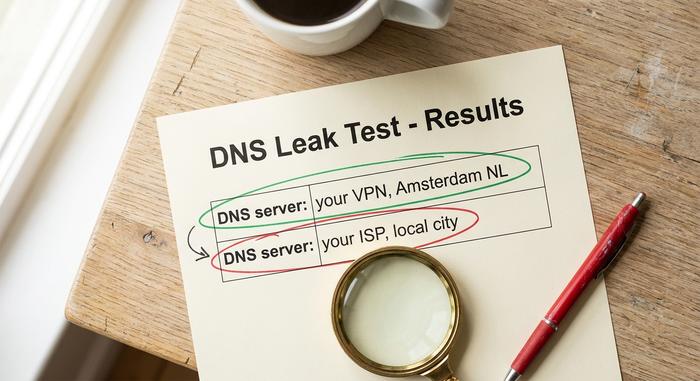
Running the test is the easy part. Reading it is where people trip. Connect your VPN, open a free DNS leak test page in your browser, and run both the standard and the extended check. A few seconds later you get a list of the DNS resolvers that answered for you, each with an owner and a location attached. Now the only question that matters: do those resolvers belong to your VPN, or to your ISP and Google?
Run it twice. Do the DNS leak test once with the VPN switched off, so you know what your bare ISP resolver looks like, then again with the tunnel up. Same ISP server showing in both runs? That is your leak, plain as day. Only your VPN's resolver when connected? You are clean on DNS, at least until the next reboot decides otherwise.
| What the test shows | Verdict | What to do |
|---|---|---|
| Only your VPN's DNS servers | No leak | You are fine; re-test after updates |
| Your ISP's resolver appears | DNS leak | Fix the cause below before trusting the tunnel |
| Google or a third-party resolver you did not set | Partial leak | Set DNS manually; check router config |
| Different IPv6 server than IPv4 | IPv6 leak | Disable IPv6 or use a VPN that tunnels it |
| Your real IP shown in a WebRTC field | WebRTC leak | Disable WebRTC in the browser |
Why DNS leaks matter for crypto privacy
Here is the part the VPN review sites skip. For a crypto user, a DNS leak is worse than for the average person, because it bridges the one gap that on-chain surveillance cannot cross by itself: the link between your network identity and your wallet.
Linking your IP address to a wallet
Blockchain analytics firms are very good at clustering addresses and following funds. What they cannot easily do is attach a real person to an address without an off-chain clue. A DNS leak is exactly that clue. If your device leaks lookups to wallet domains, block-explorer sites, or node RPC endpoints, and those queries carry your real IP with a timestamp, an observer can correlate the network trail with on-chain activity happening at the same moment.
Exchange logins and KYC correlation
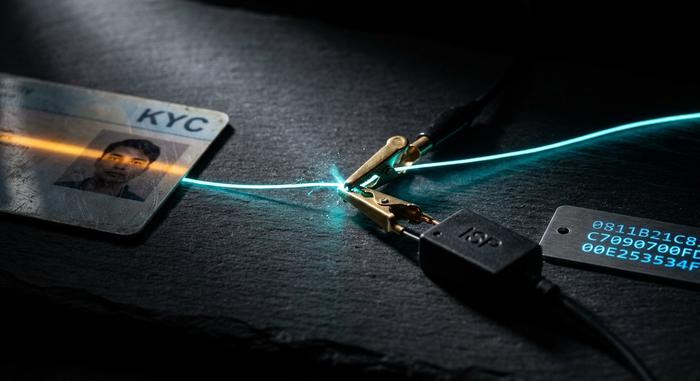
This is the sharpest edge. When you log in to a centralized exchange, your device looks up that exchange's domain. If the lookup leaks to your ISP, it is logged against your real IP. Your exchange already holds your verified identity through KYC. Now a third party can tie that identity to a session the VPN was supposed to hide. The blockchain-analytics industry that buys and processes this kind of correlation was worth $2.99 billion in 2025 and is projected to grow at 22% a year, while Chainalysis counted $154 billion in illicit crypto volume for 2025, in its 2026 Crypto Crime Report — a market with strong incentives to connect every available dot.
What a DNS trail reveals about you
Even without the contents of your traffic, the ordered list of domains you resolve is a behavioral fingerprint. Which exchange, which wallet, which DeFi front end, in what sequence, at what hour. US regulators have confirmed the appetite for this data: a 2021 FTC staff report found all six major American ISPs were logging DNS queries and browsing data, in its staff report on ISP data collection. To be fair, no public court case has yet pinned a crypto deanonymization on a DNS leak by itself. The capability is well documented; the smoking-gun prosecution is not. I would not bank on that staying true.
How to prevent DNS leaks on every device
Good news: the fix is a short menu, not a marathon. Match the lever to whatever your test actually showed, instead of running down all six out of paranoia. In practice most people need two, maybe three.
Fix DNS leaks on Windows and macOS
On Windows, the usual culprits are Smart Multi-Homed Name Resolution and the Teredo adapter. Kill both. Then pin a static DNS server on your active network adapter. On macOS it is gentler: set your DNS manually in Network settings, then flush the cache with `sudo dscacheutil -flushcache`. Either way, reconnect and run the DNS leak test one more time. Resolver list shows only your VPN? Done. If your old ISP server is still hanging around, the leak is coming from somewhere lower down the stack.
Lock down your router and IPv6
Does your VPN refuse to tunnel IPv6? Then switch IPv6 off at the operating-system level, so there is no second road for queries to bolt down. And do not forget the router. When the router itself still points at your ISP's DNS, the leak just moves one hop upstream, and your tidy device-level fix quietly hides the real picture. Configure the router to use a resolver you trust, and every phone, laptop, and console behind it inherits the setting for free.
VPN settings and DNS leak protection
Open your VPN client and check three switches: it uses its own DNS servers, DNS leak protection is on, and the kill switch is on. Those last two are not the same feature, which trips people up constantly. The kill switch cuts your traffic dead the moment the encrypted tunnel drops. DNS leak protection forces your queries back through that tunnel while it is still up. You want both. And you want to actually look at them, because "secure by default" is a marketing line, not a promise.
| Cause | What you see in the test | Fix | Where |
|---|---|---|---|
| IPv6 leak | IPv6 resolver differs from IPv4 | Disable IPv6 or switch VPN | OS / VPN |
| ISP hijacking | ISP resolver despite manual DNS | Set encrypted DNS (DoH or DoT) | OS / router |
| Windows SMHNR or Teredo | Multiple resolvers, one is ISP | Disable SMHNR and Teredo | Windows |
| Router using ISP DNS | Same leak on every device | Set router DNS manually | Router |
| WebRTC exposure | Real IP in a WebRTC field | Disable WebRTC | Browser |
Choosing a DNS server that doesn't leak
Passing a DNS leak test is only half the win. Where you point your resolver counts as much as the tunnel, because a logging DNS provider is still surveillance, just with a friendlier logo. Cloudflare runs 1.1.1.1, Quad9 runs 9.9.9.9, Google runs 8.8.8.8. Same job, very different logging policies. So read them. Grabbing whichever one a forum post recommended is exactly how people end up "leak-free" and still tracked.
Then encrypt the lookup itself. DNS over HTTPS (DoH) and DNS over TLS (DoT) both wrap the query so your ISP cannot read it or hijack it mid-flight. Almost nobody bothers, though. Encrypted transports handled only about 11.3% of DNS queries in early 2026, and end-to-end DNSSEC validation came in at a rounding error, 0.47%, for the first quarter. One setting. Flip it, and you have quietly joined a small, far better-defended minority.
Does your VPN really stop DNS leaks?
Treat the "DNS leak protection" checkbox as a claim, not a guarantee. Those 2016 benchmark leak rates keep showing up in fresh 2025 research, which tells you the problem is baked into how these clients are built, not something the industry quietly fixed. VPN use is common but hardly universal anyway: 32% of US adults said they used one in 2025, down sharply from 46% the year before, per Security.org. So the rule is boring but it works. Run a DNS leak test the day you install a VPN, again after every major OS update, and any time the client reconnects on its own at 3am while you were not looking.
What to do about your DNS leak test now
A VPN that leaks DNS is a privacy tool that lies to your face, and the only way to catch it lying is to look. So look. Run the test now, twice, VPN off and VPN on. Fix the one cause that actually showed up, point your device at an encrypted resolver whose policy you have bothered to read, and re-test after the next update. If you hold crypto, treat your DNS path as part of your threat model, not an afterthought, because here a leak gets measured in linked identities, not just browsing history. One question worth sitting with: if your setup has been leaking this whole time, what has your ISP already written down?